Viber Chat in SendPulse
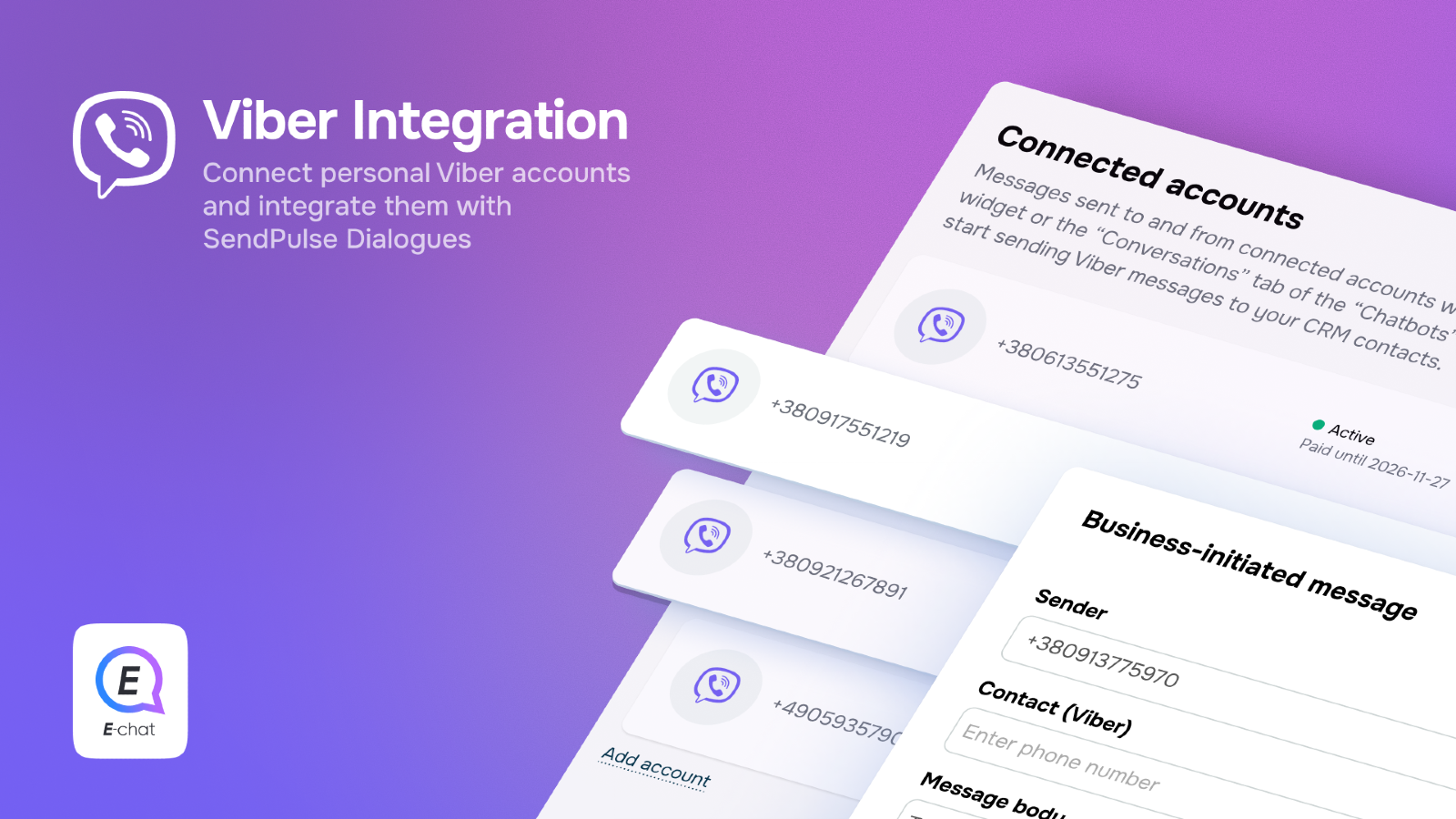
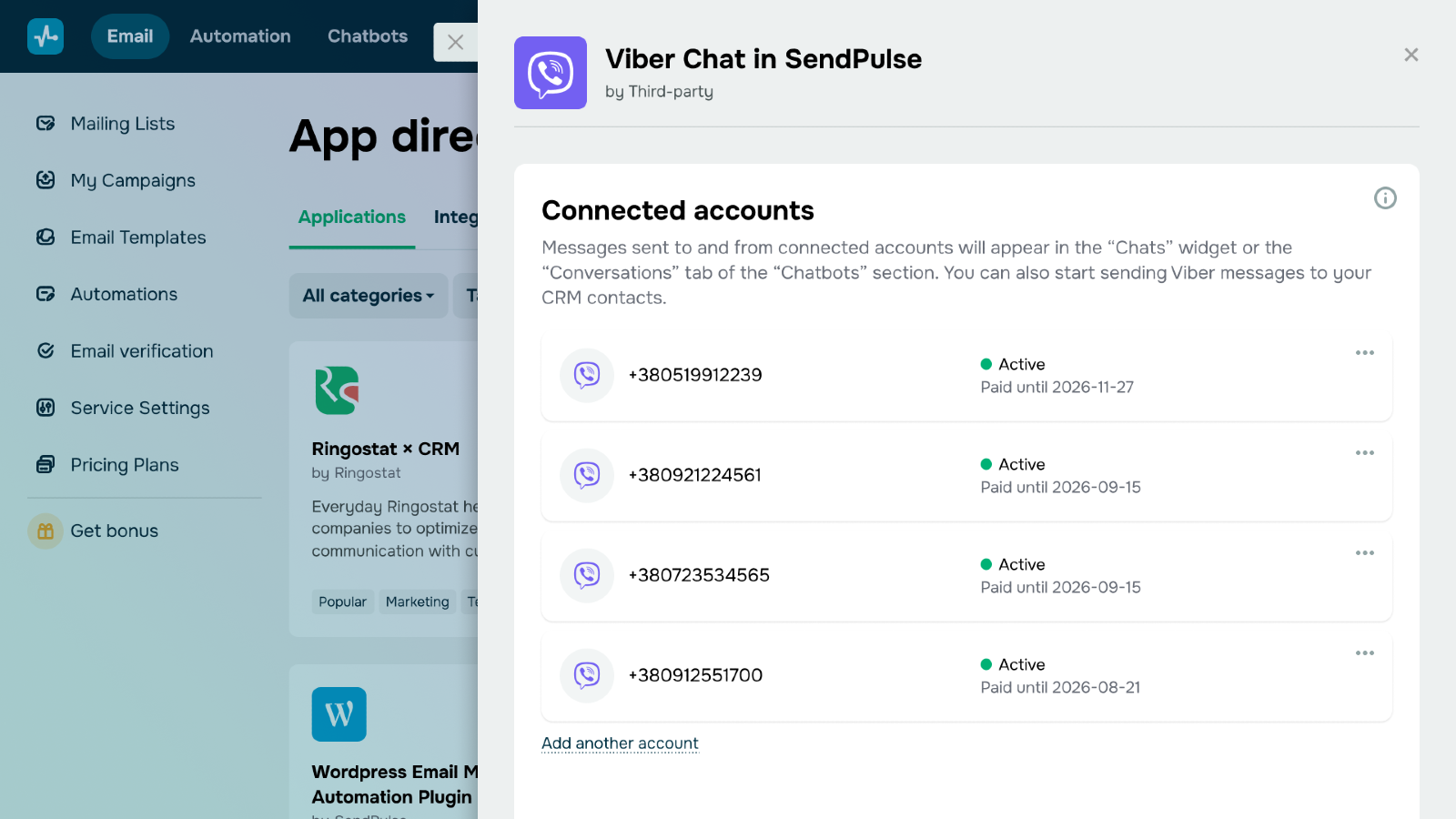
Integration with the Viber messenger allows you to connect a Viber number and manage incoming messages, deals, and basic automation scenarios directly from the SendPulse dashboard — without switching to external services. Once connected, the number is automatically used for chatbot operations and two-way communication with customers.
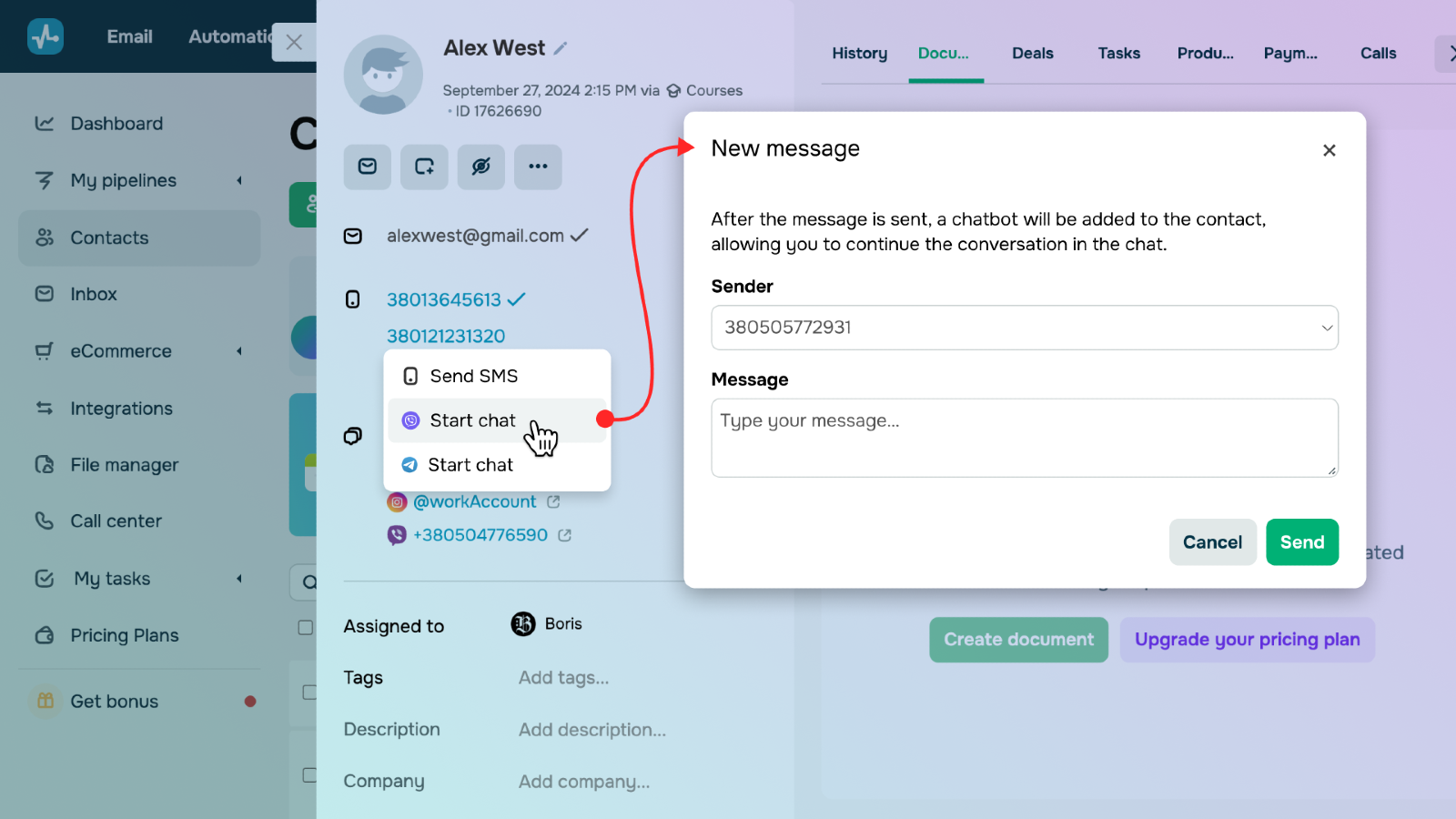
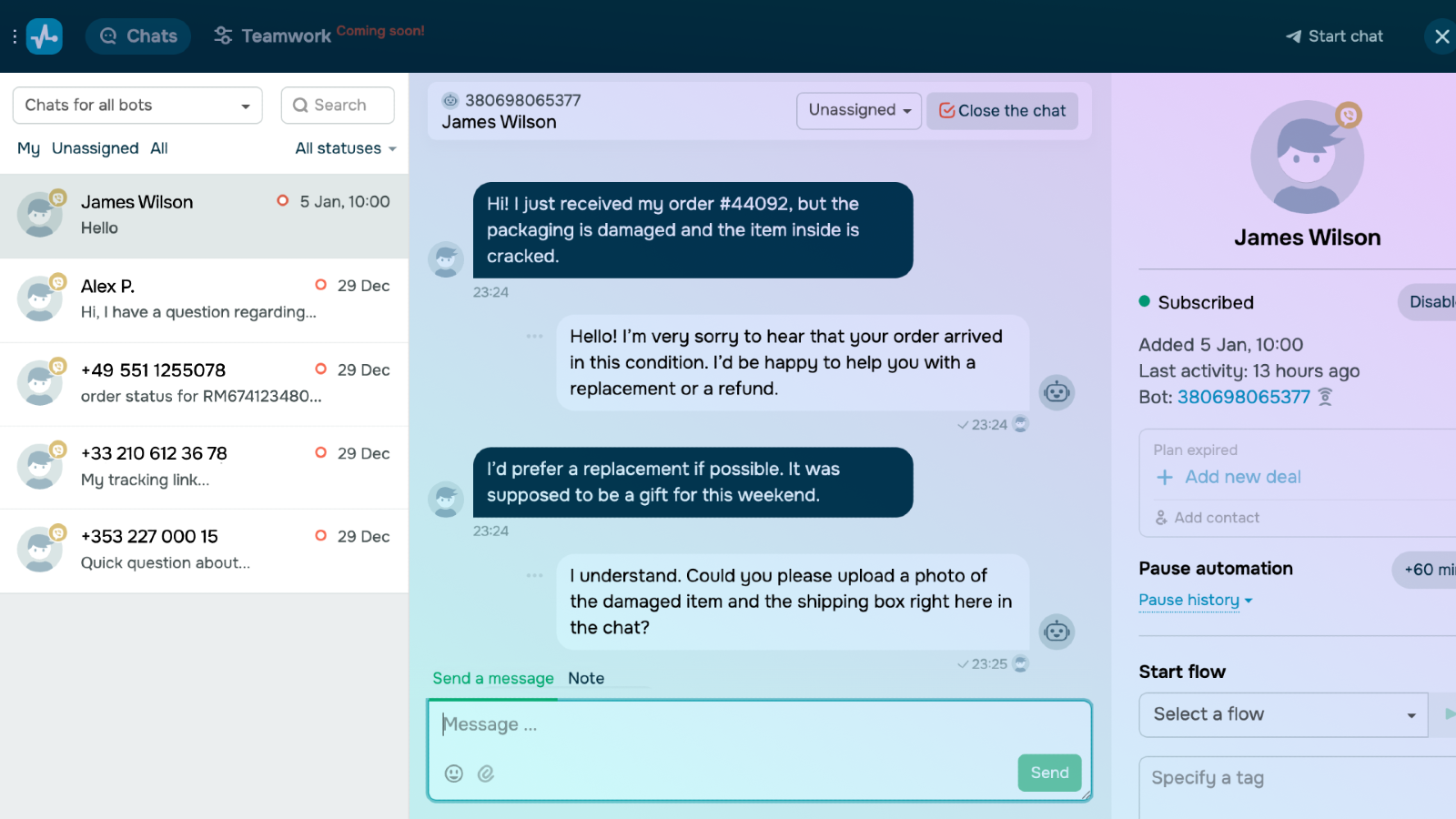
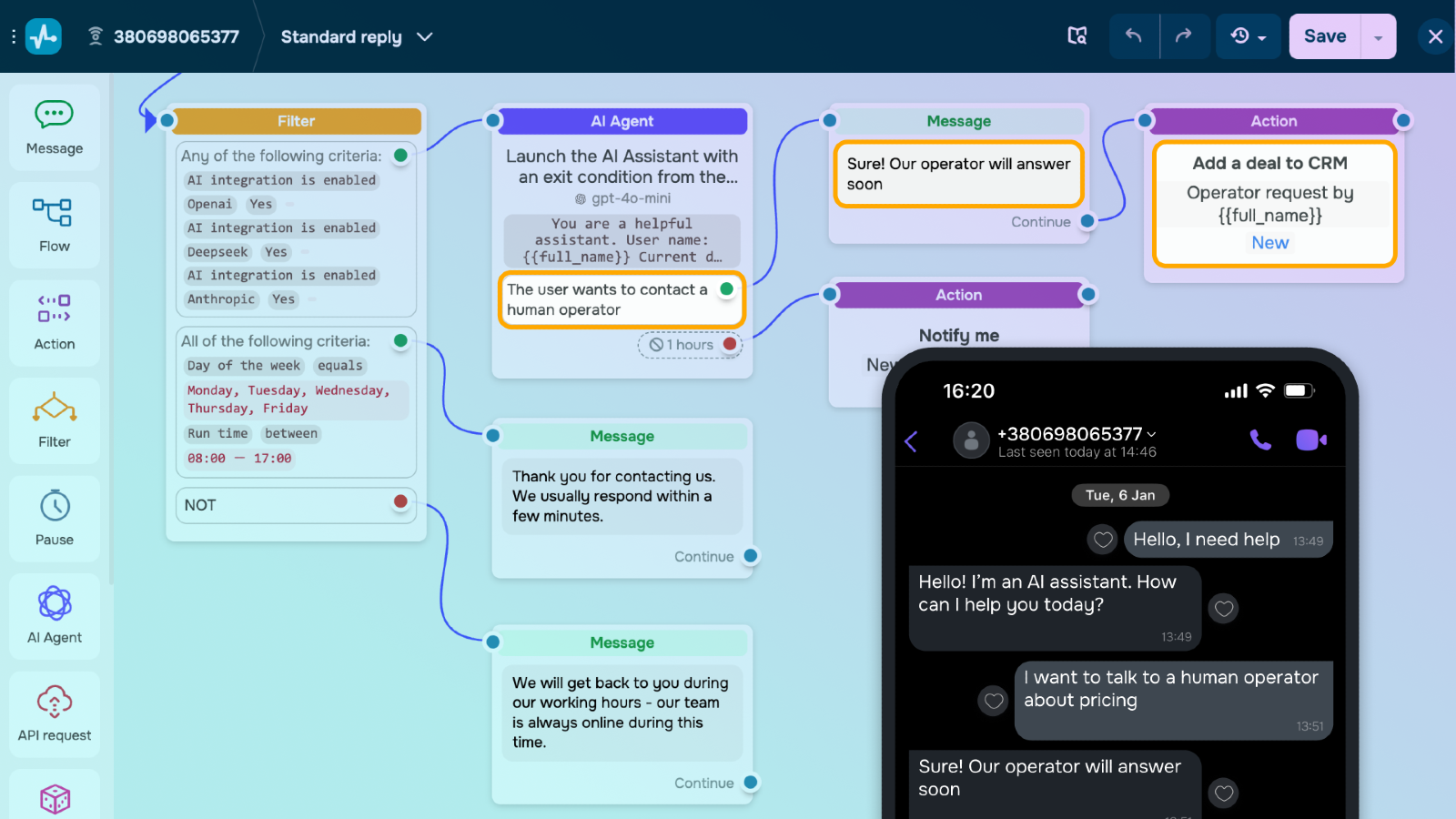
Connect a Viber number to initiate and handle conversations with contacts directly from the CRM card, as well as view all messages in the Chats widget or in the Dialogs section of the chatbot service. This helps centralize customer support and sales within a single SendPulse workspace.
Set up triggers and Viber chatbot flows to automate common communication scenarios: replies to frequently asked questions, initial lead qualification, out-of-office messages, or routing the conversation to a manager. Routine interactions run automatically, allowing your team to focus on tasks with higher business value.
Send bulk personalized Viber campaigns to inform customers about promotions, remind them about orders, invite them to events, or encourage repeat purchases. Track delivery and engagement statistics to measure campaign performance and continuously optimize your communication.
How to connect Viber in SendPulse
Log in to your SendPulse account.
Go to App Directory and install Viber Chat.
In the integration settings, pay for the appropriate e-chat plan.
Click Agree to grant access.
After the e-chat plan is paid, Viber is connected automatically.
The number and integration status will appear in the system.
After connection
Send and receive Viber messages in SendPulse
Manage dialogs in CRM
Launch chatbots
All messages are available in Chats and Dialogs.




or