Telegram Chat in SendPulse
Integrate with Telegram to connect one or more personal Telegram accounts. You can manage and automate messages, deals, and flows without constantly switching between SendPulse and the Telegram app. Once you integrate your personal Telegram account, you will get an automatically created chatbot.
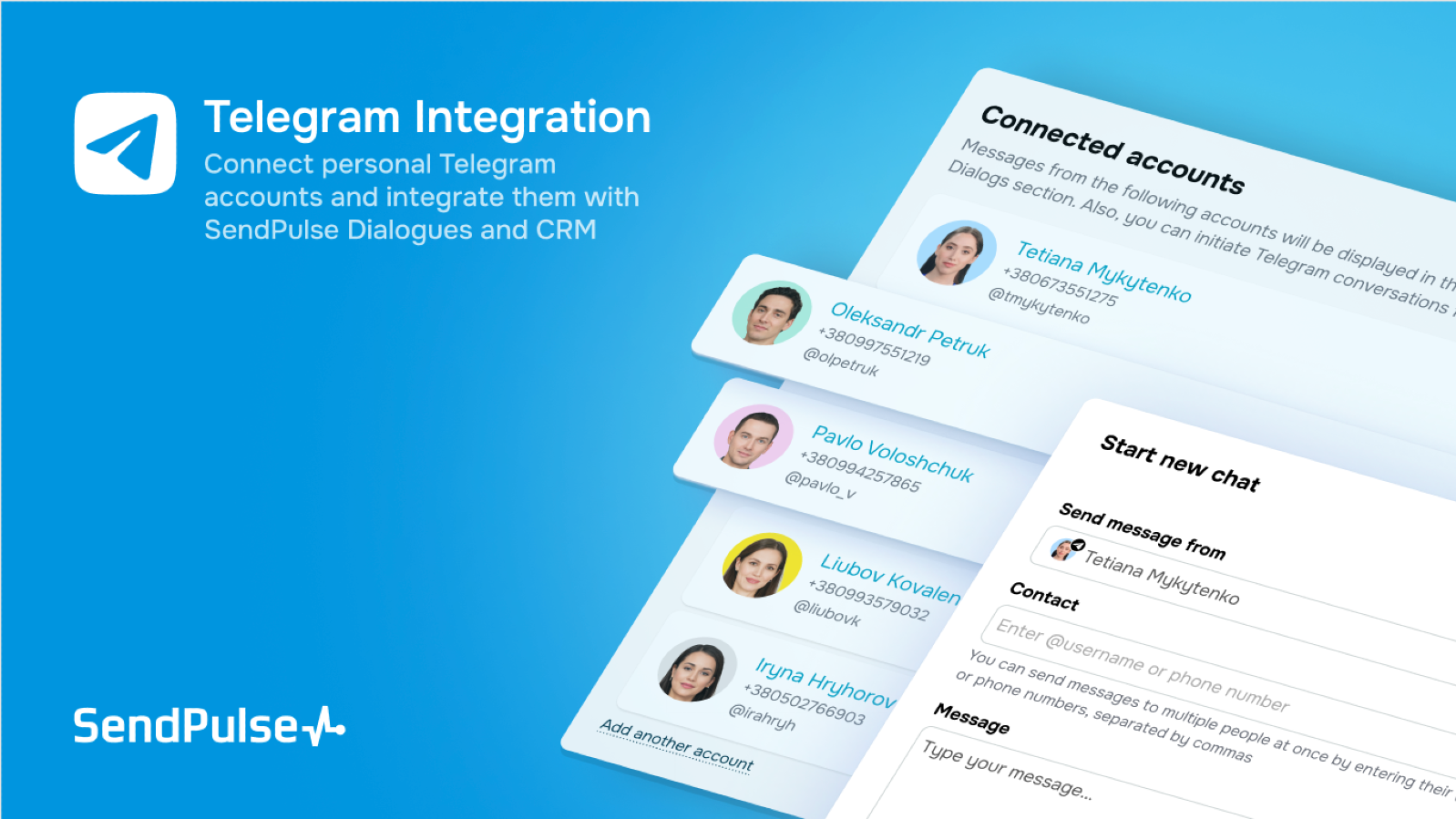
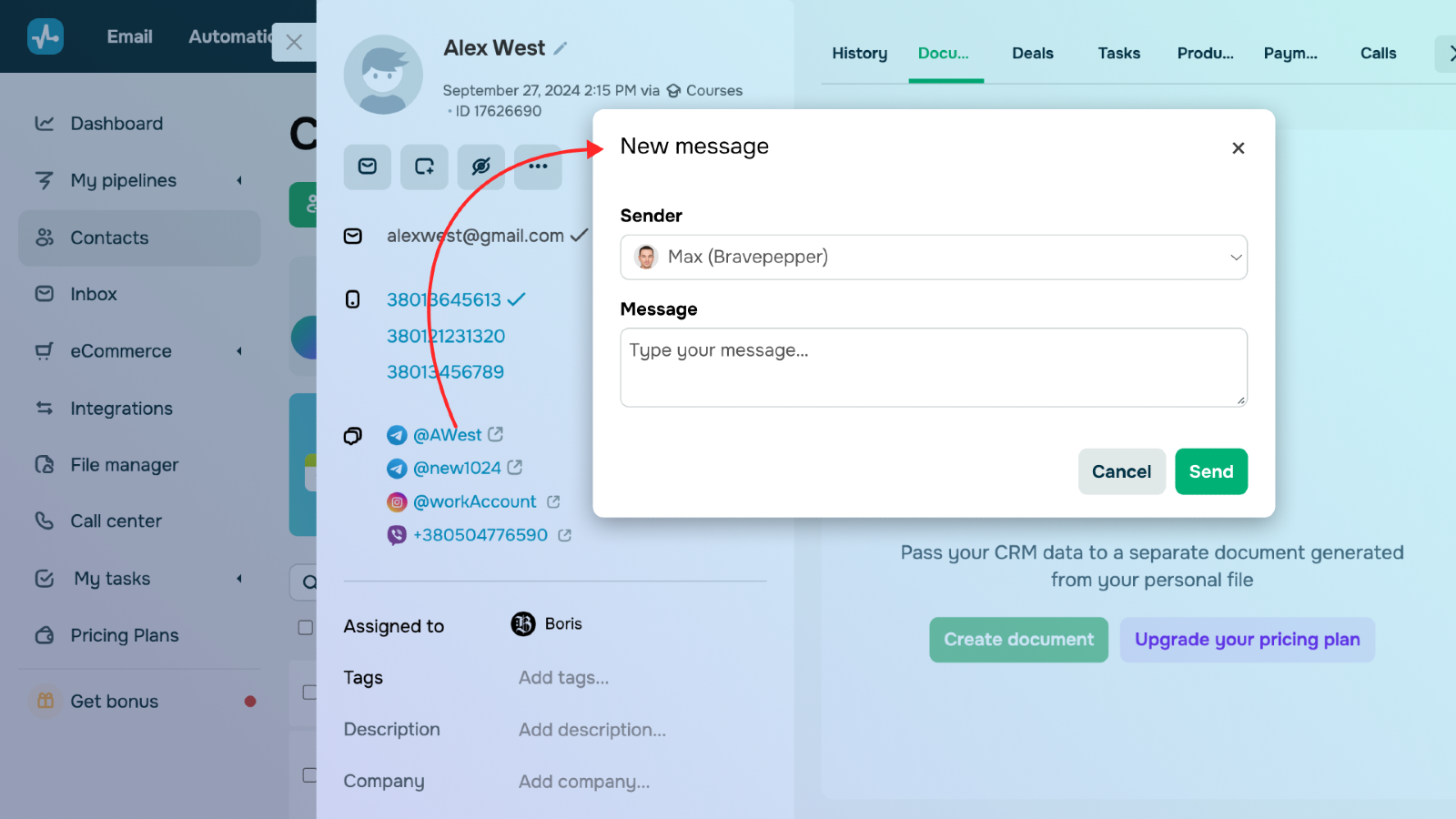
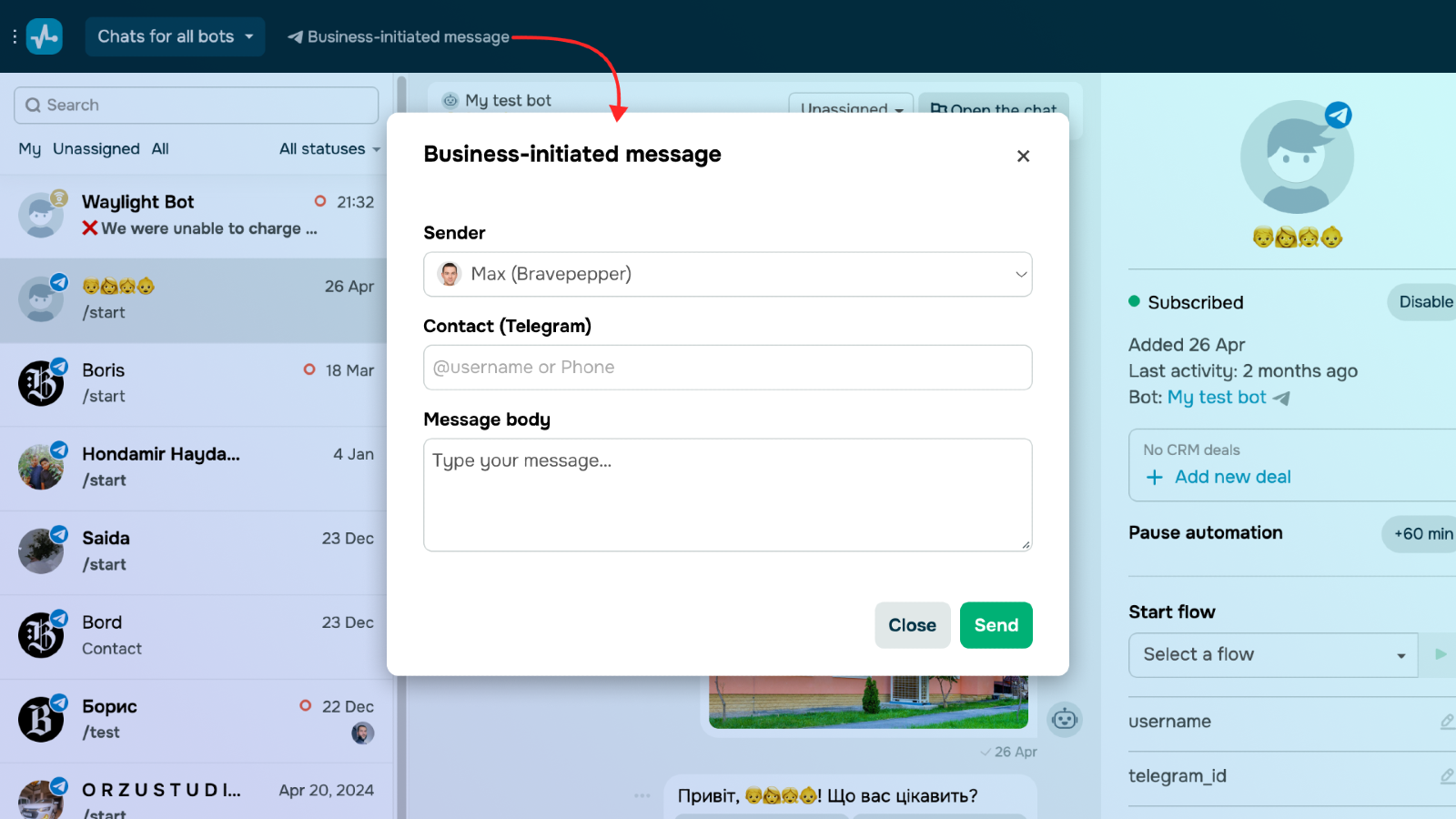
Connect your personal Telegram account to interact with your audience right in their CRM cards — no need to jump back and forth. Incoming messages will also appear in the Chats widget or the Conversations tab, helping you manage all customer interactions within a single interface.
Create triggers and automated flows in your created chatbot to streamline communication. This will help you instantly reply to common customer inquiries and messages outside of business hours.
Reach out with personalized emails to notify customers about promotions, celebrate their birthdays, invite them to events, or remind them to make repeat purchases. Analyze detailed statistics to gauge your campaigns' performance.
In your SendPulse account, go to the app directory.
Select Telegram Chat in SendPulse and click Install.
Give access to your chatbot builder, CRM system, and users' personal data by clicking Grant consent.
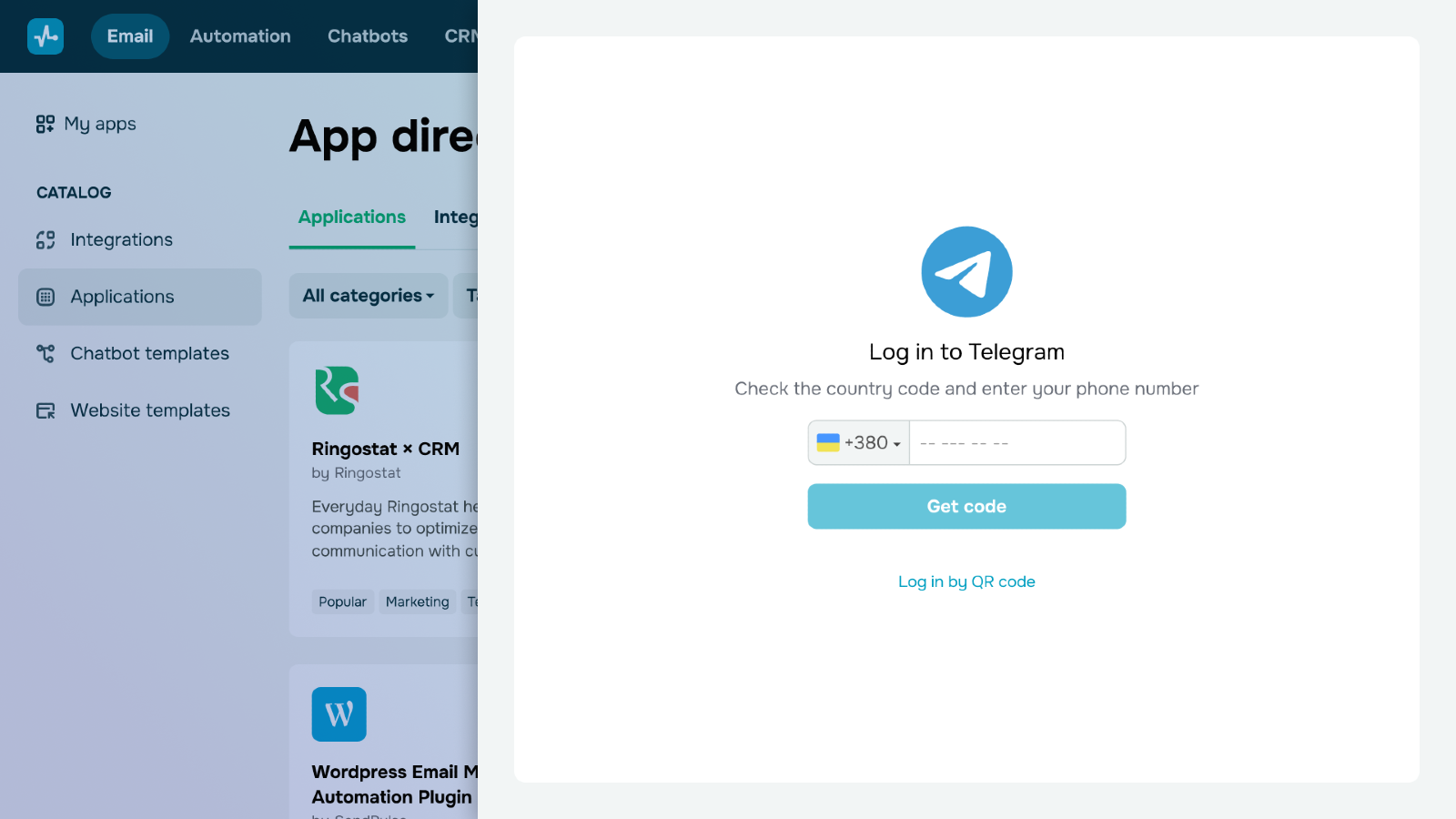
Connect Telegram to your SendPulse account by scanning the QR code or logging in using your phone number. If you opt for the phone number method, you will get a Telegram or SMS message with a confirmation code — paste it on the integration page. If your account has two-step verification, enter your password as well.
Confirm that it’s you who is trying to access your Telegram account.
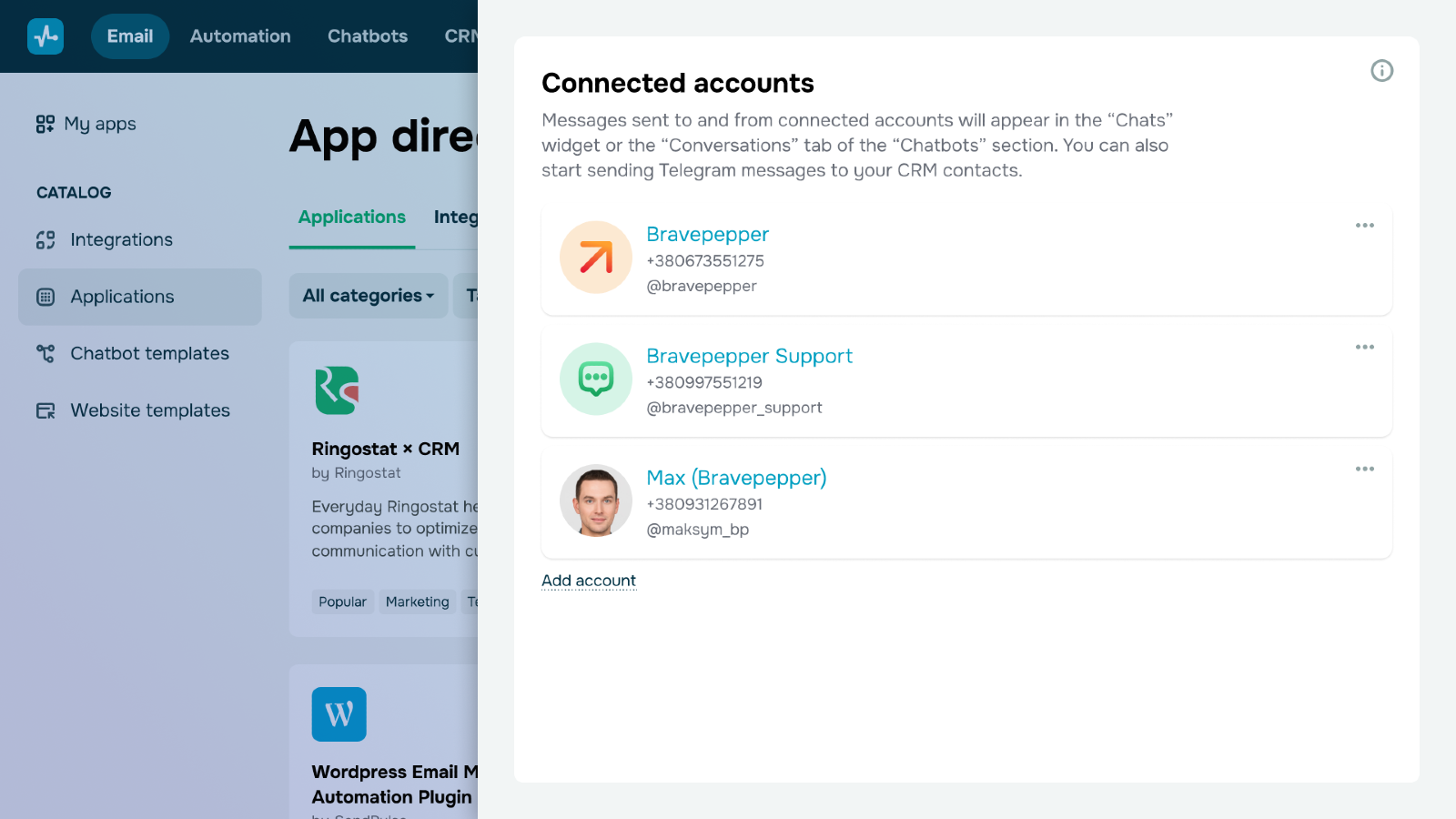
If you’ve entered all data correctly, you will see your connected Telegram account, including your profile picture, name, phone number, and @username.
Once you set up the integration, you’ll be able to interact with your CRM contacts on Telegram within SendPulse and configure your automatically created Telegram chatbot.
Note: Every day, you can initiate conversations with up to 20 contacts whom you haven't interacted with before. If your phone number has been in use for a while and typically handles a high volume of conversations, you can reach out to up to 40 new contacts daily. These limits are set by Telegram, and exceeding them could lead to your number being blocked.
View all messages sent to and from connected accounts in the Chats widget or the Conversations tab.
Note: SendPulse will show all messages sent to your personal account. We suggest using a dedicated or corporate phone number instead of your personal phone number for this integration.
If necessary, you can disconnect and reconnect your current account or set up a new one. To permanently disable it, delete the integration in SendPulse. This will end the session in Telegram, but your chatbots will remain listed as inactive. To remove an inactive chatbot, go to Bot Settings and click Disconnect bot.





or