Google Calendar and CRM
Connect Google Calendar with your CRM to automatically sync meetings, tasks, and deals. Events created in your calendar will appear in the CRM with all relevant details — and vice versa. Easily link events to deals, assign team members, and manage tasks — all in one place. Perfect for teams that use Google Calendar daily and want to eliminate manual updates.
Two-way sync between Google Calendar and CRM
Events created in Google Calendar automatically generate deals and tasks in the CRM. Events or deals created in the CRM are also reflected in your Google Calendar.
Flexible pipeline and board assignment
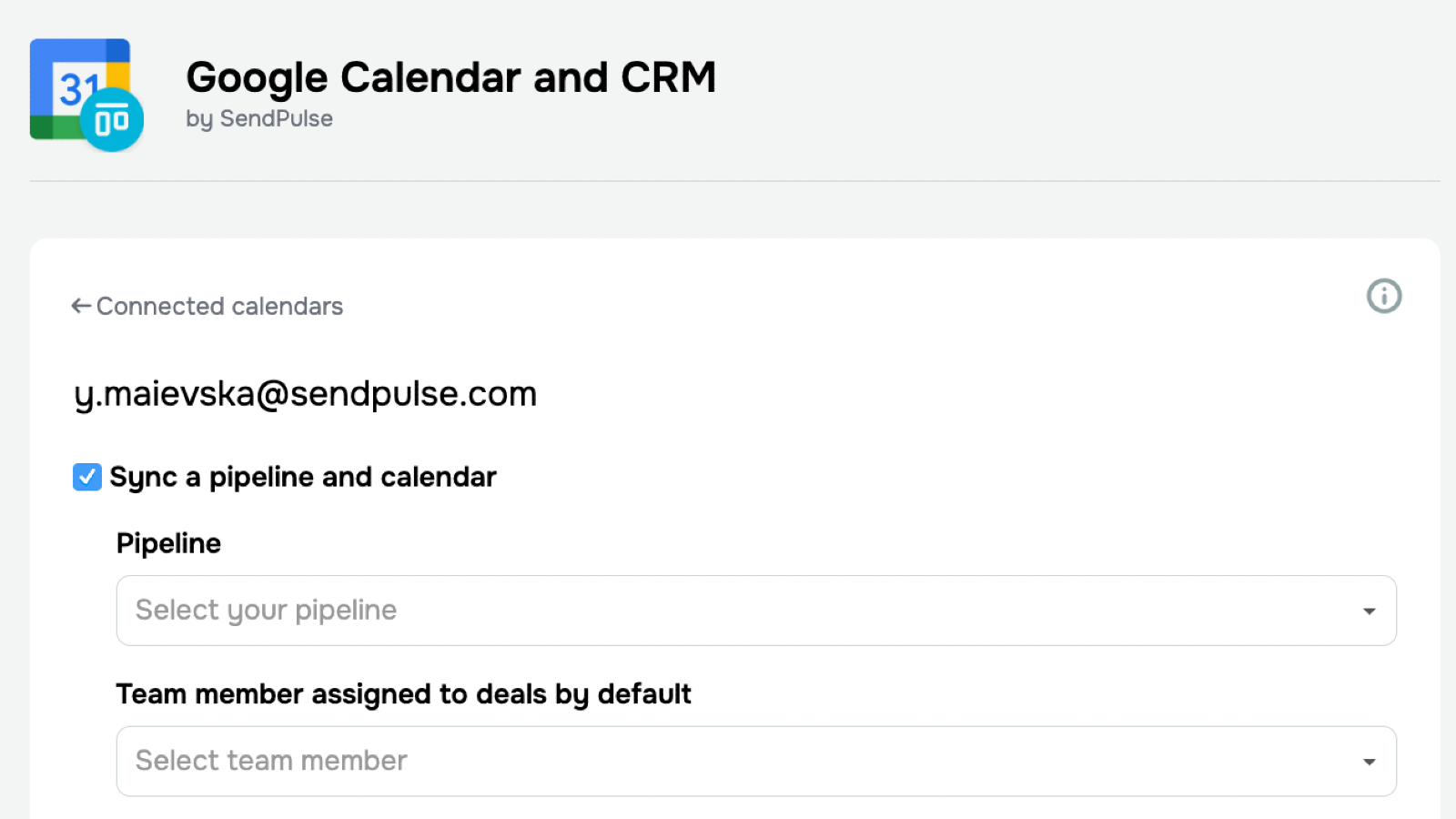
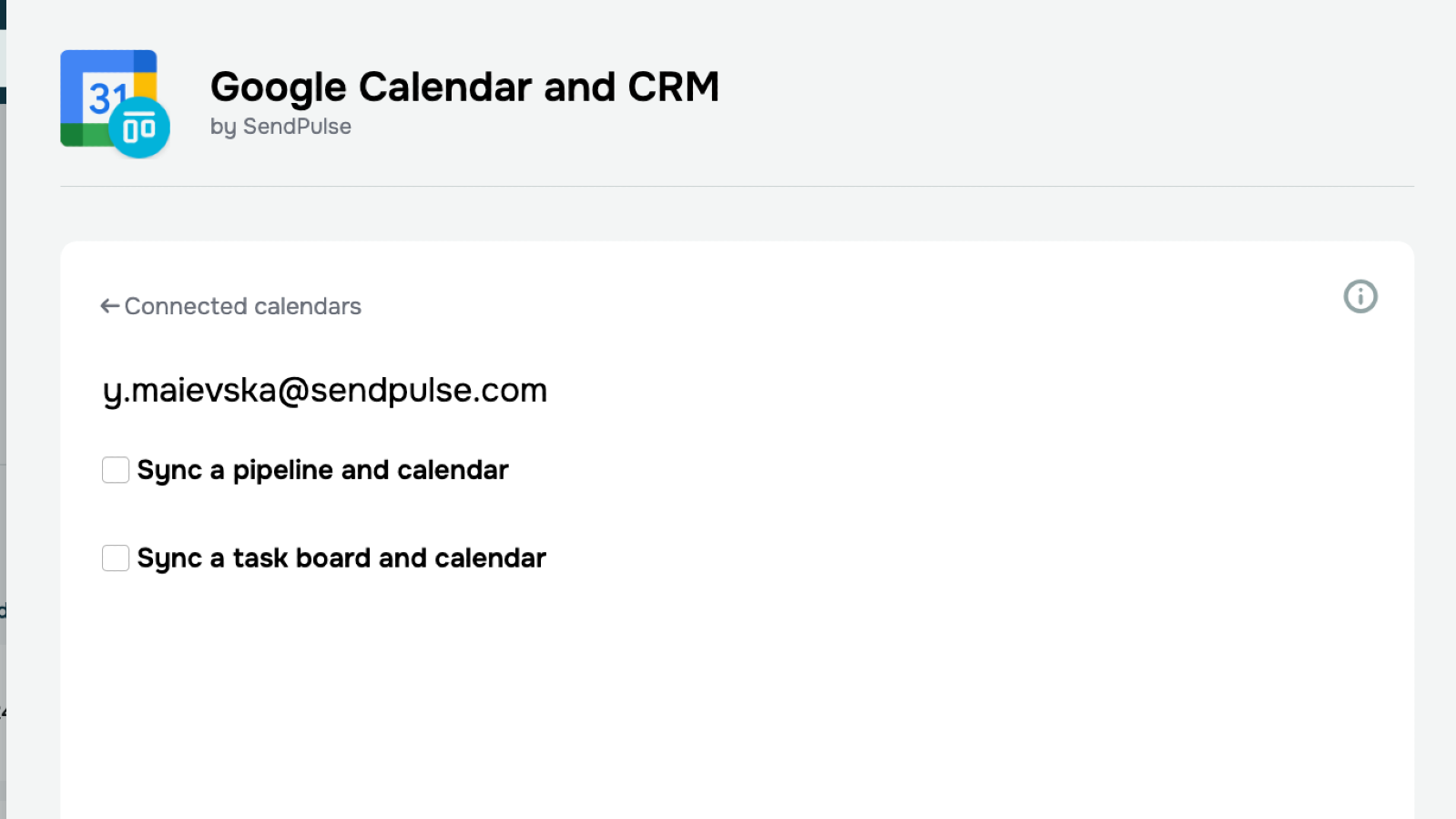
Assign events to specific CRM pipelines and responsible team members. Sync tasks with your preferred task board for smooth task management.
Smart contact linking
Participants from calendar events are automatically added to your CRM contacts. These contacts can be reused for future campaigns or communication.
Live integration dashboard
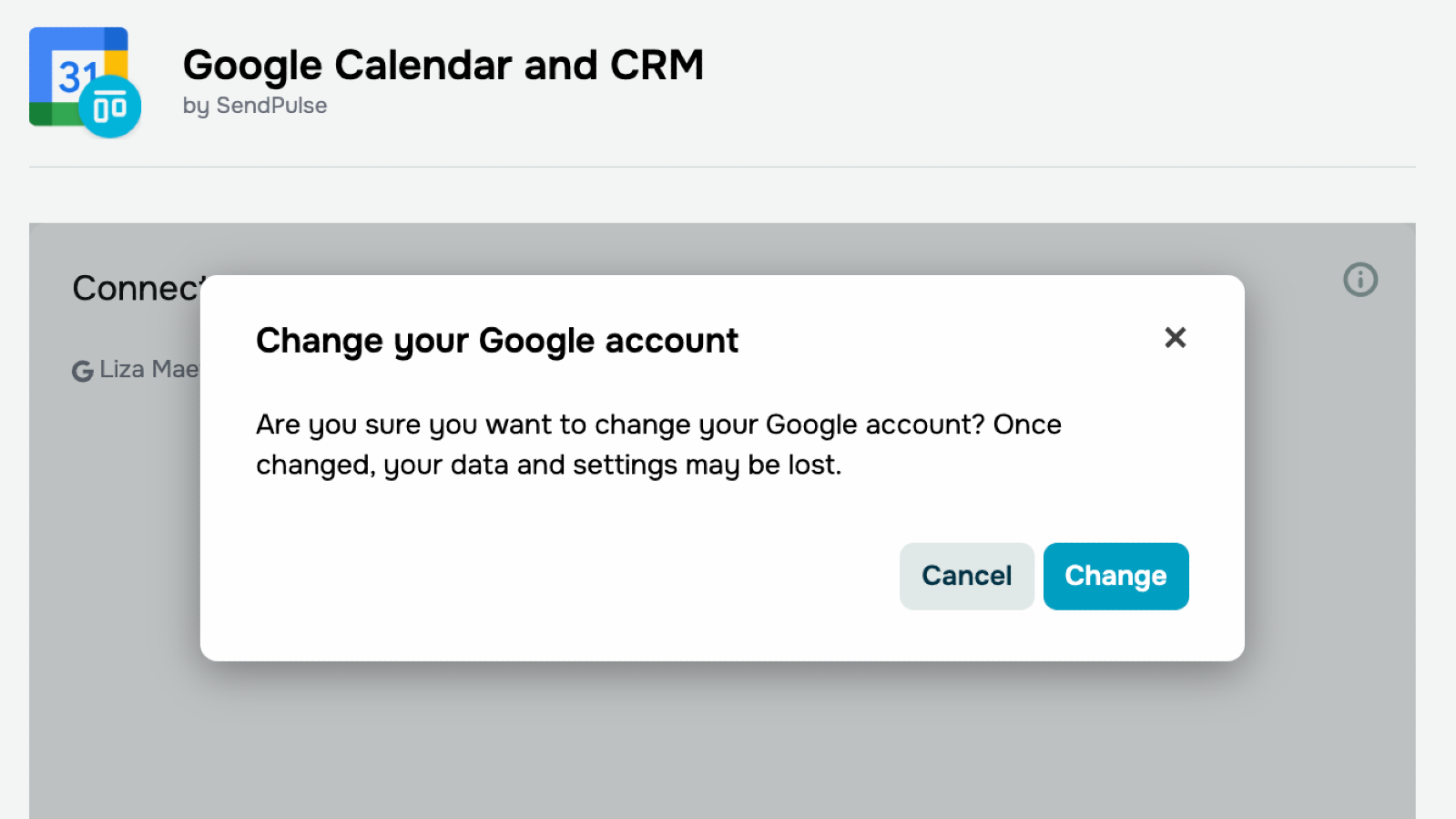
View connected calendars, the number of synced events, and the integration status. Pause, remove, or reconfigure the integration at any time and easily switch calendars.
Real-time updates
Any changes to calendar events are instantly reflected in the CRM — and vice versa.


or