Google Calendar and Automation 360
Integrate your Google Calendar with Automation360 through SendPulse to automate tasks and workflows triggered by your calendar events, ensuring smoother operations and improved productivity.
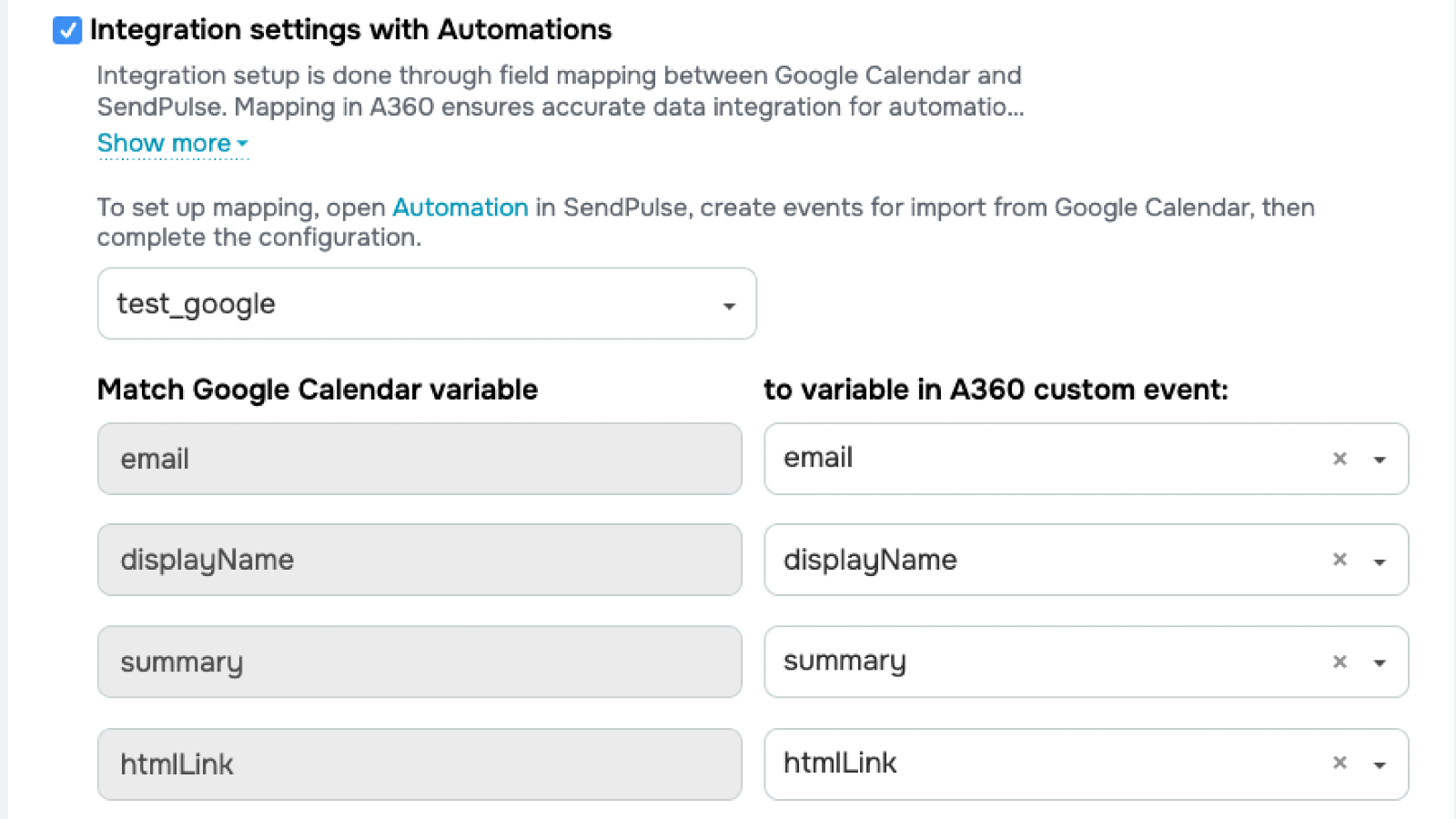
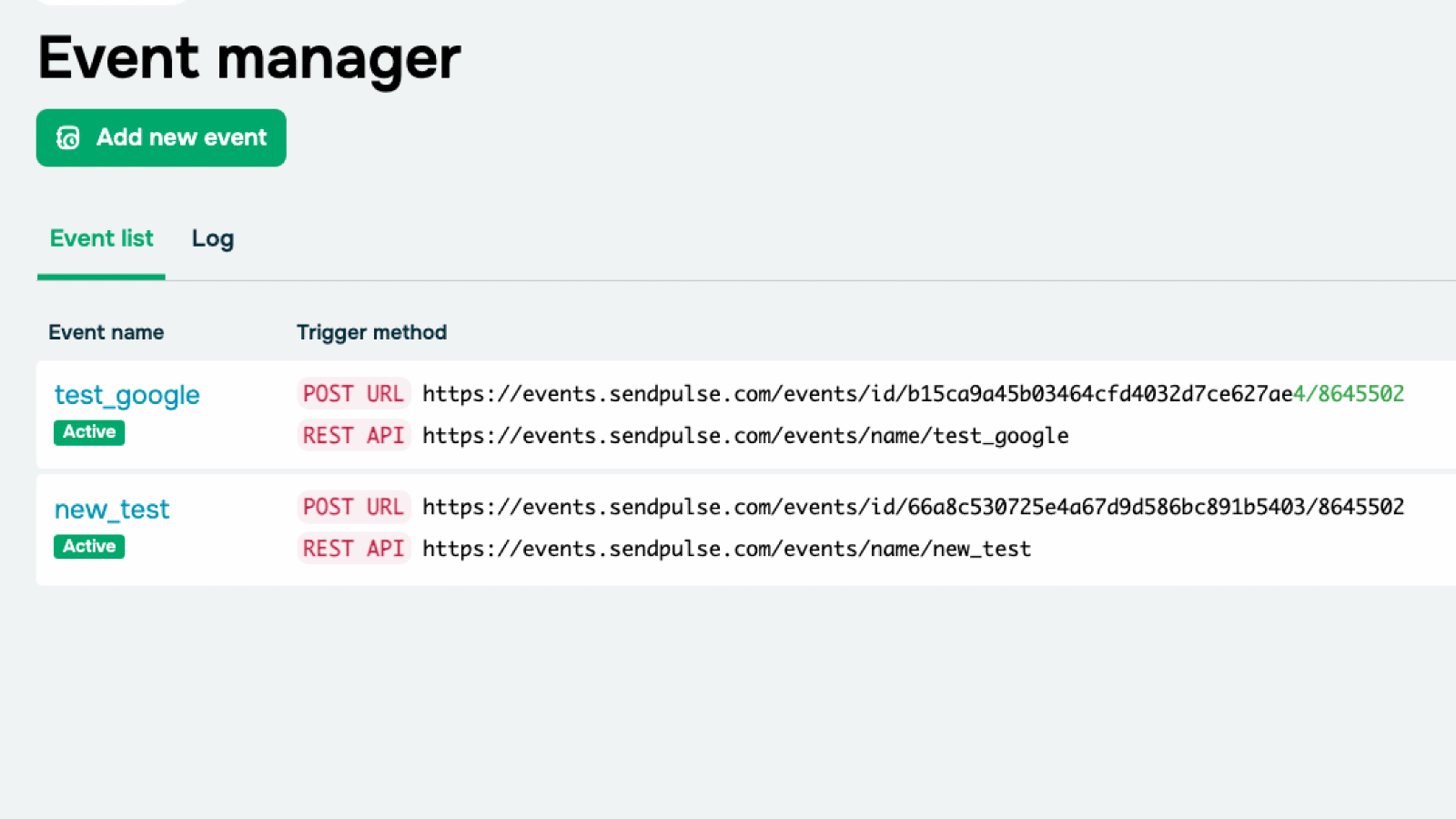
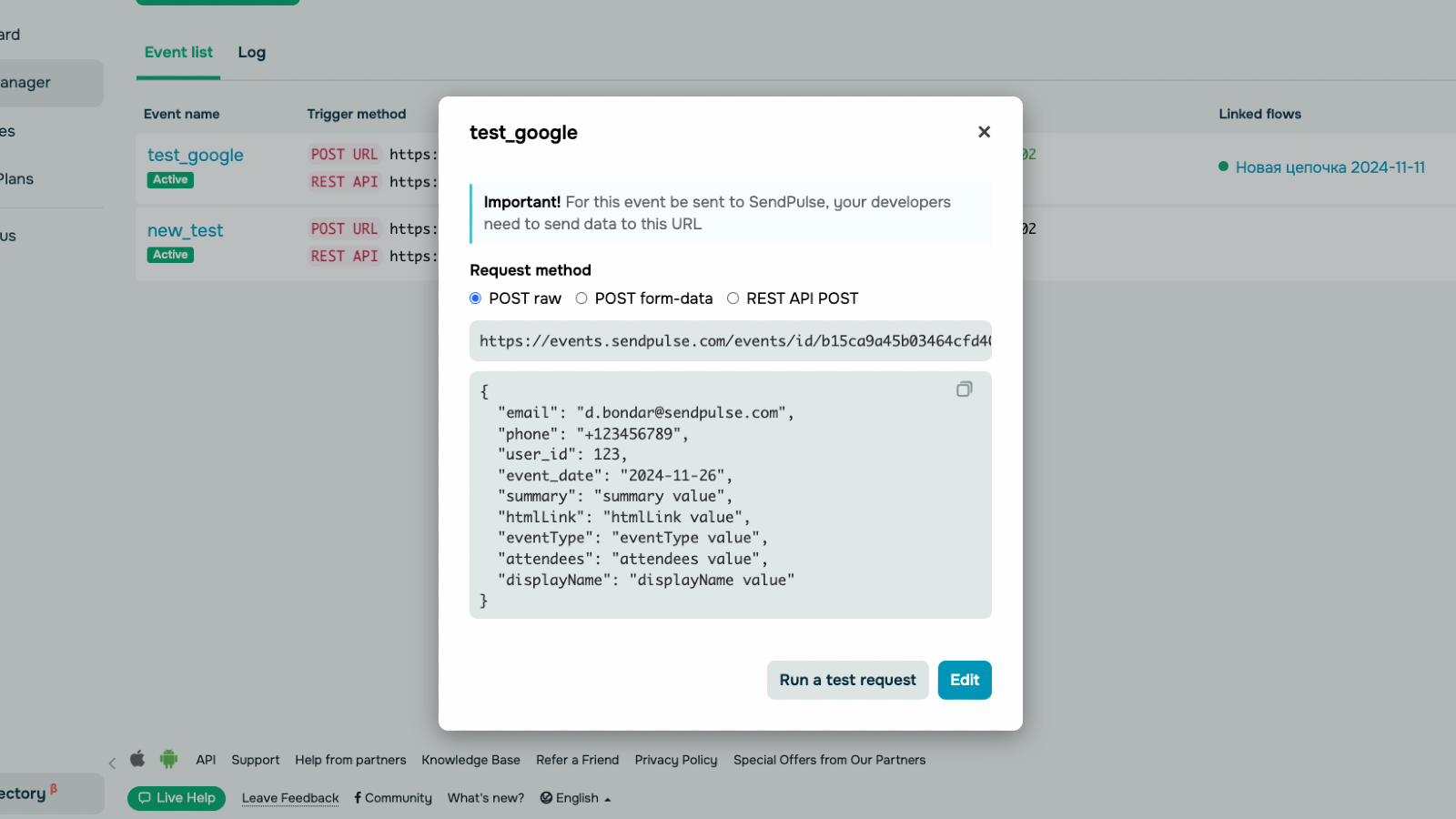
Event-Triggered Automations
Automatically activate workflows in Automation360 when specific events are created, updated, or deleted in Google Calendar.
Workflow Updates Based on Events
Keep your automation workflows updated as changes happen in your Google Calendar, ensuring all tasks and reminders are accurate.
Customizable Automations
Design personalized workflows in Automation360 to match your event actions, like sending email reminders or updating CRM entries.
Real-Time Notifications
Receive instant notifications or trigger actions in Automation360 as soon as an event occurs in Google Calendar.
1.Click Install and grant permissions for Google Calendar and Automation360.
2.Set Up Triggers:
Define triggers like new or updated calendar events.
Choose actions like sending emails, updating contacts, or creating tasks.
3.Test and Go Live
Test the integration to ensure it works.
Activate the integration to automate workflows.



or