Crowdin
Con Crowdin, puedes localizar y traducir tus correos electrónicos para lanzar campañas multilingües con mayor rapidez y sin necesidad de copiarlos primero en herramientas externas. Esta integración te permite localizar tus correos electrónicos en cualquier momento y entregar traducciones a tiempo.
Funciones
Sincroniza tus plantillas de correo electrónico con Crowdin para traducirlas tú mismo o contratar a un traductor.
Obtén las traducciones en SendPulse y lanza campañas de correo electrónico multilingües.
Cómo integrar Crowdin
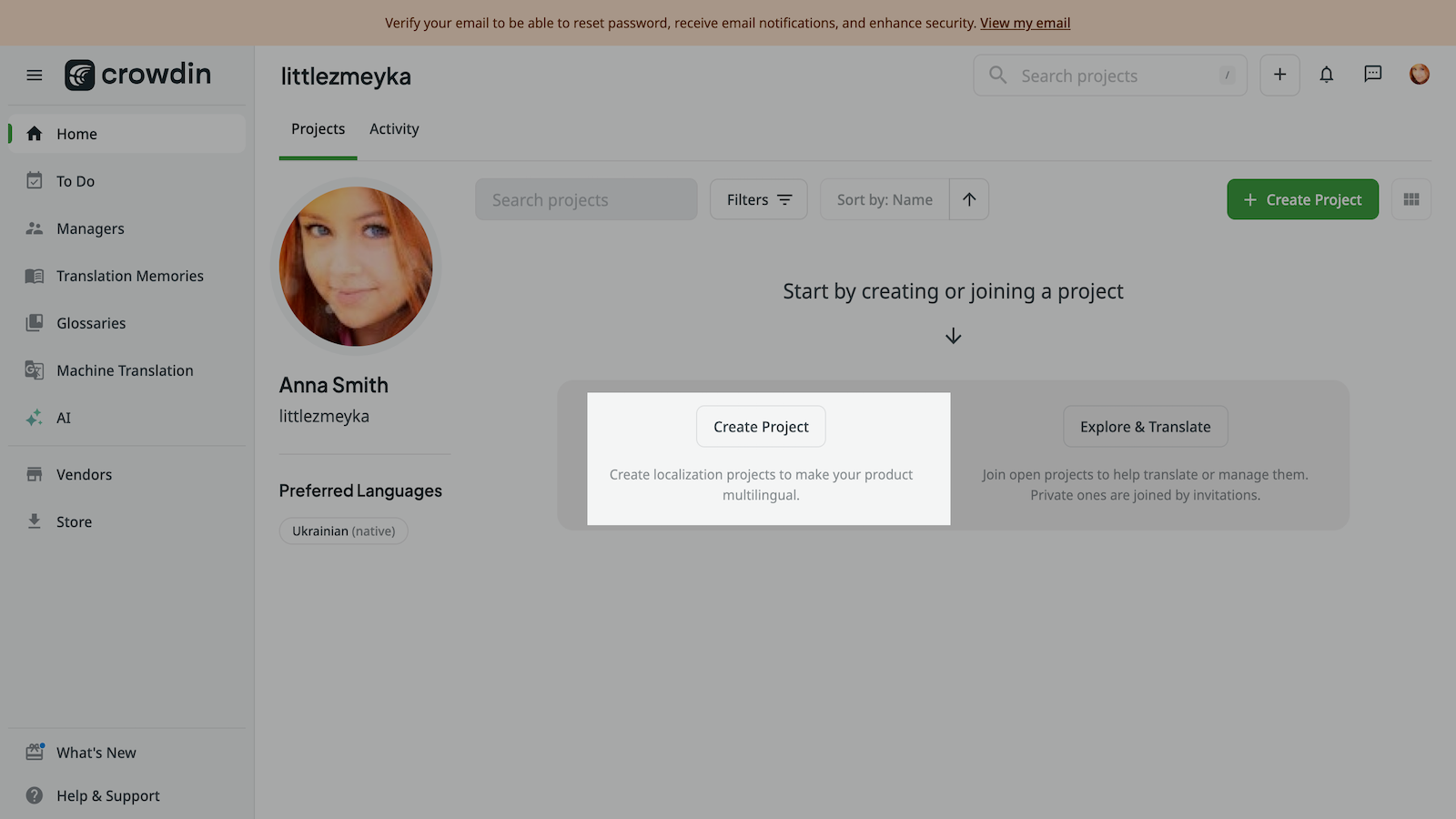
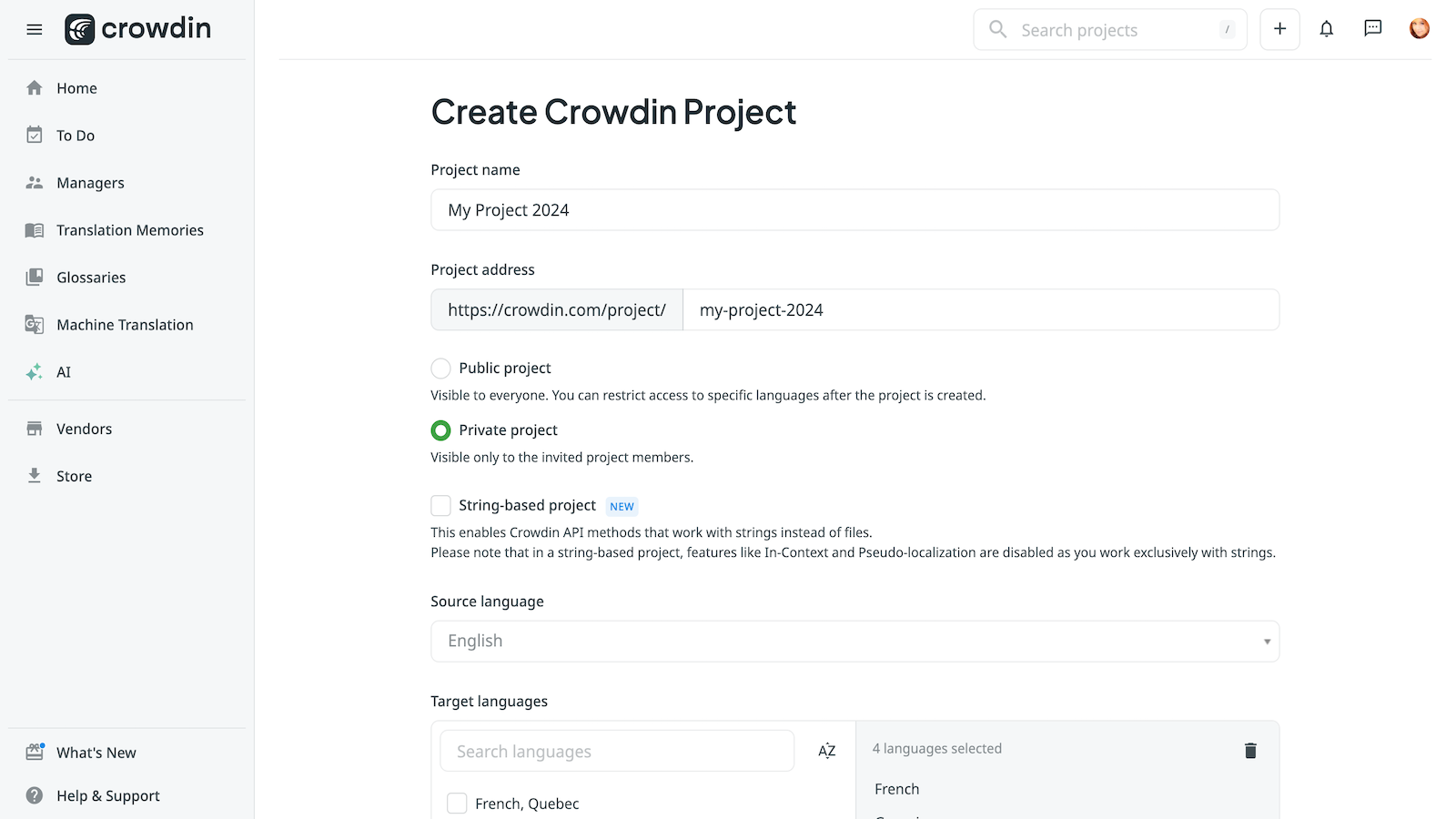
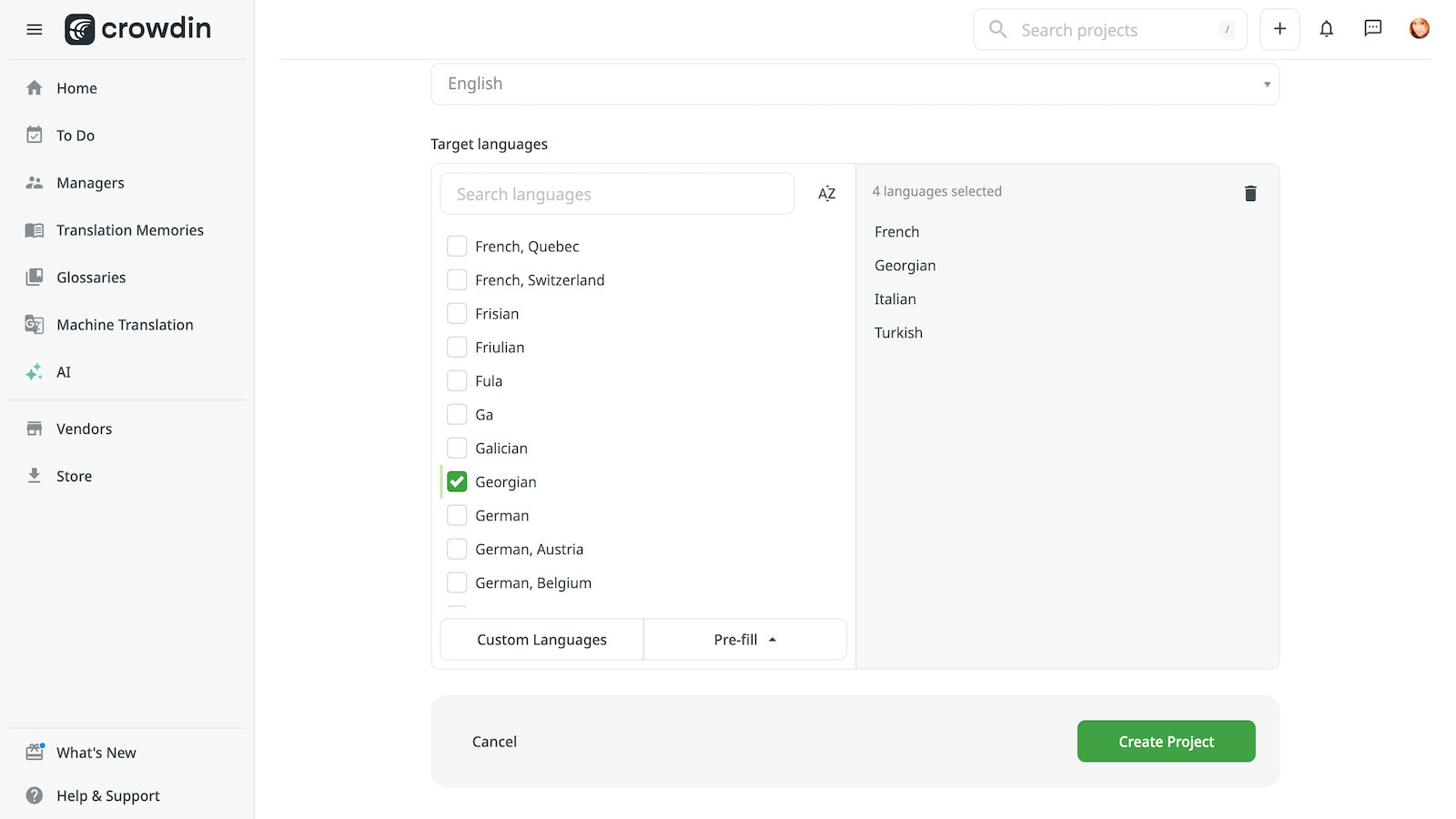
Accede a tu cuenta Crowdin y crea un nuevo proyecto. Introduce el nombre de tu proyecto, hazlo público o privado y selecciona los idiomas de origen y destino.
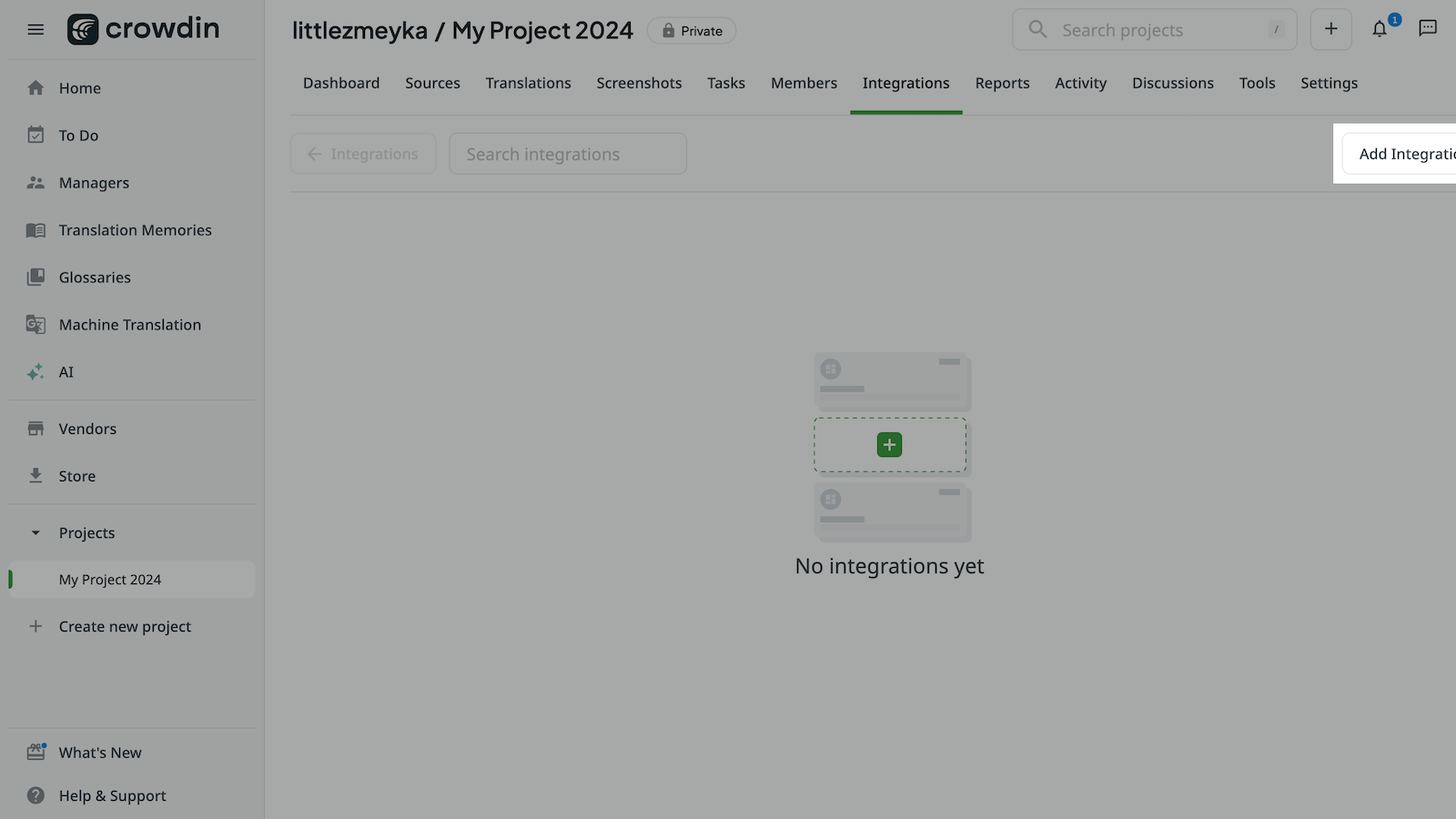
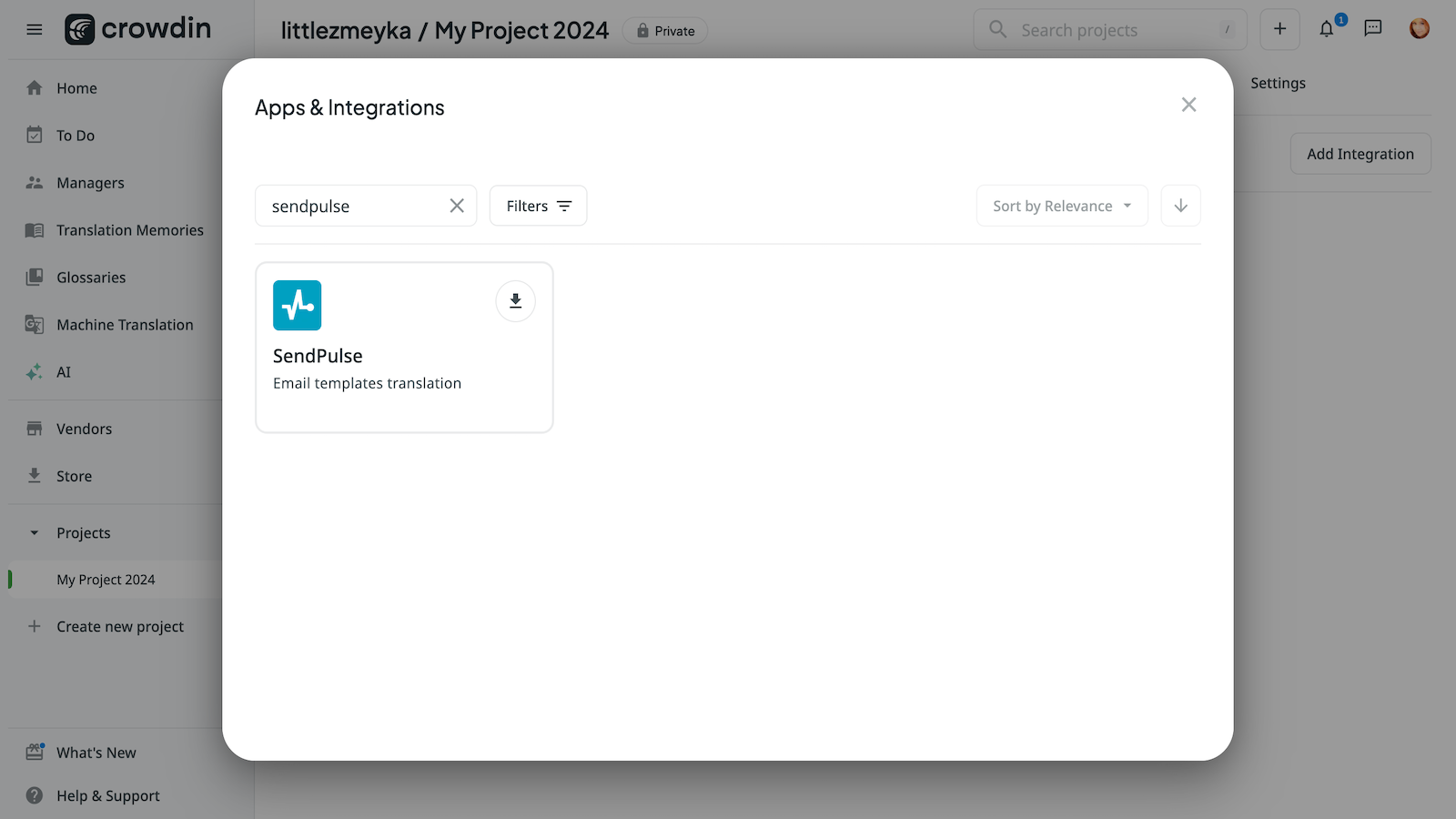
Haz clic en Añadir integración, busca SendPulse y haz clic en Instalar.
Selecciona los usuarios que podrán utilizar la integración y los proyectos a los que tednrán acceso. Luego, vuelve a hacer clic en Instalar.
En tu cuenta SendPulse > pestaña API, copia tu ID y Secreto. Ve a tu proyecto Crowdin > Integraciones, selecciona SendPulse, y pega tu ID y Secreto en los campos respectivos. Haz clic en Iniciar sesión con SendPulse.
Una vez que hayas realizado la integración con Crowdin, podrás traducir tus correos electrónicos y enviar campañas multilingües.
Obtén más información sobre la integración con Crowdin y sus funciones.





o