SendPulse Live Chat and Chatbot
With this free plugin for WordPress websites, you can add a live chat widget to any page. It can help you automatically engage website visitors, answer popular questions, encourage users to make a purchase, accept payments, and so much more.
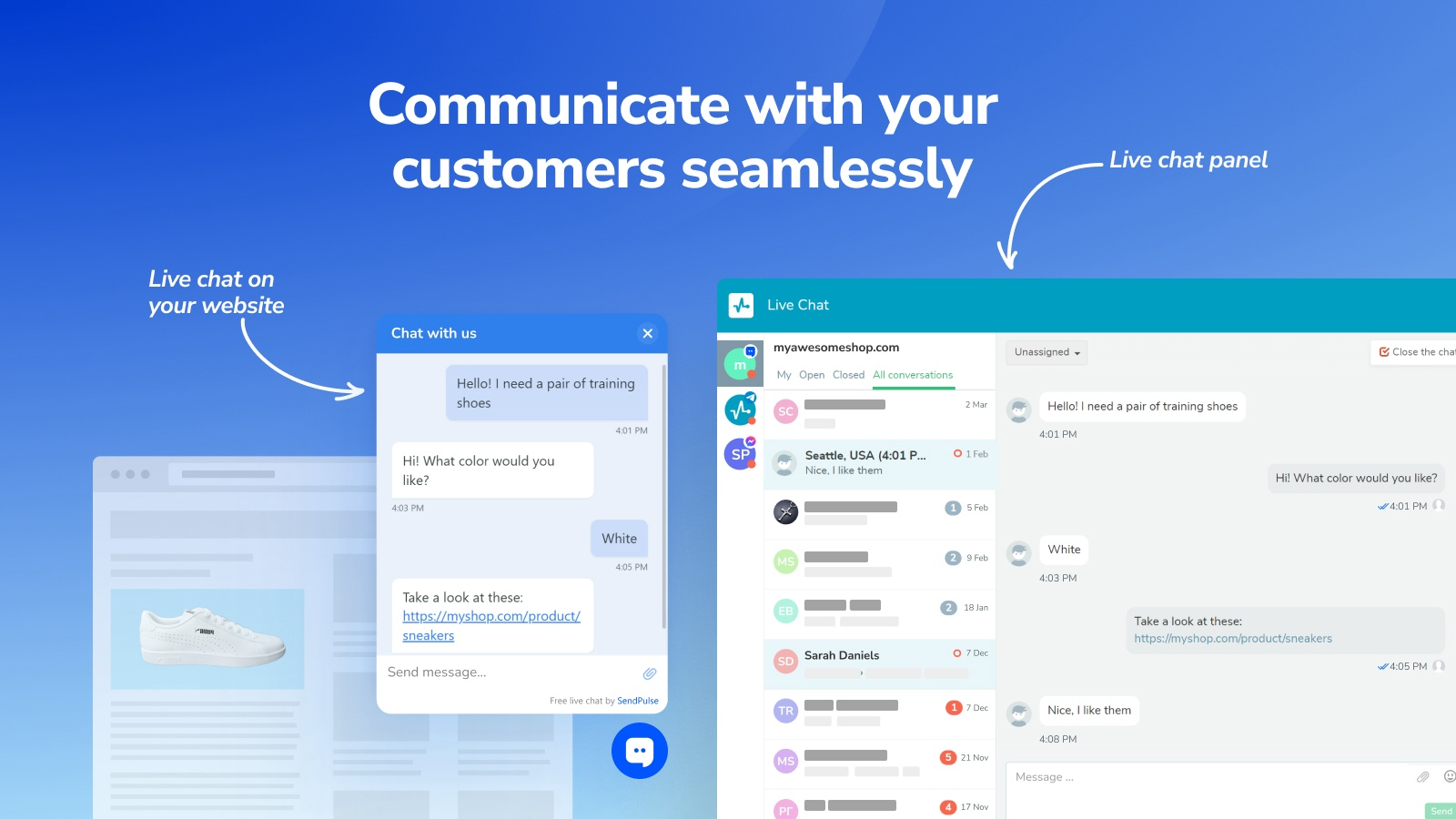
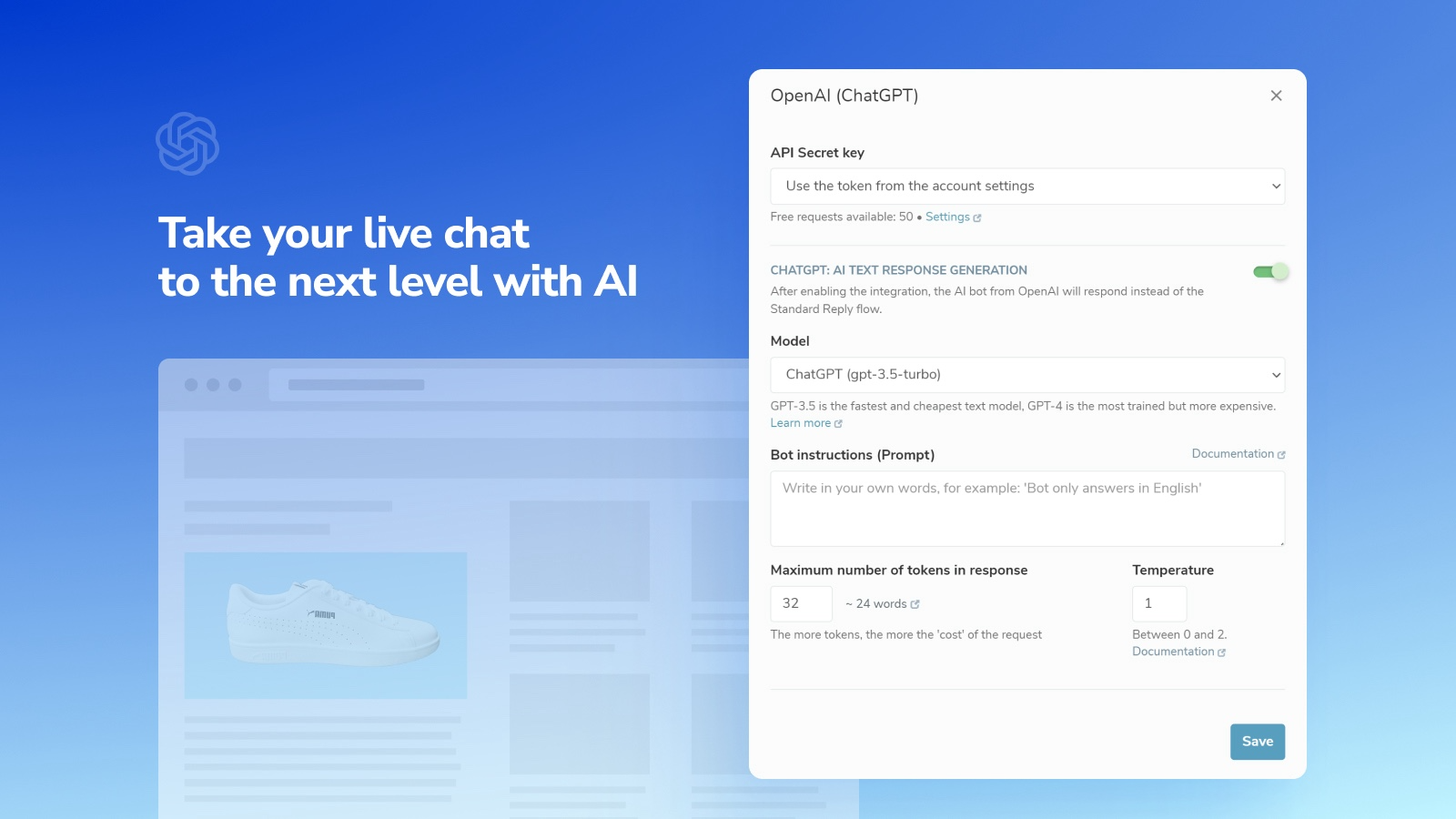
Com este plugin gratuito para sites WordPress, é possível adicionar um widget de chat ao vivo em qualquer página. Esse recurso ajuda a interagir automaticamente com visitantes, responder perguntas frequentes, incentivar compras, aceitar pagamentos e muito mais.
O chat ao vivo reduz a carga de trabalho da equipe de suporte ao cliente, que só precisa intervir quando necessário.
Funcionalidades
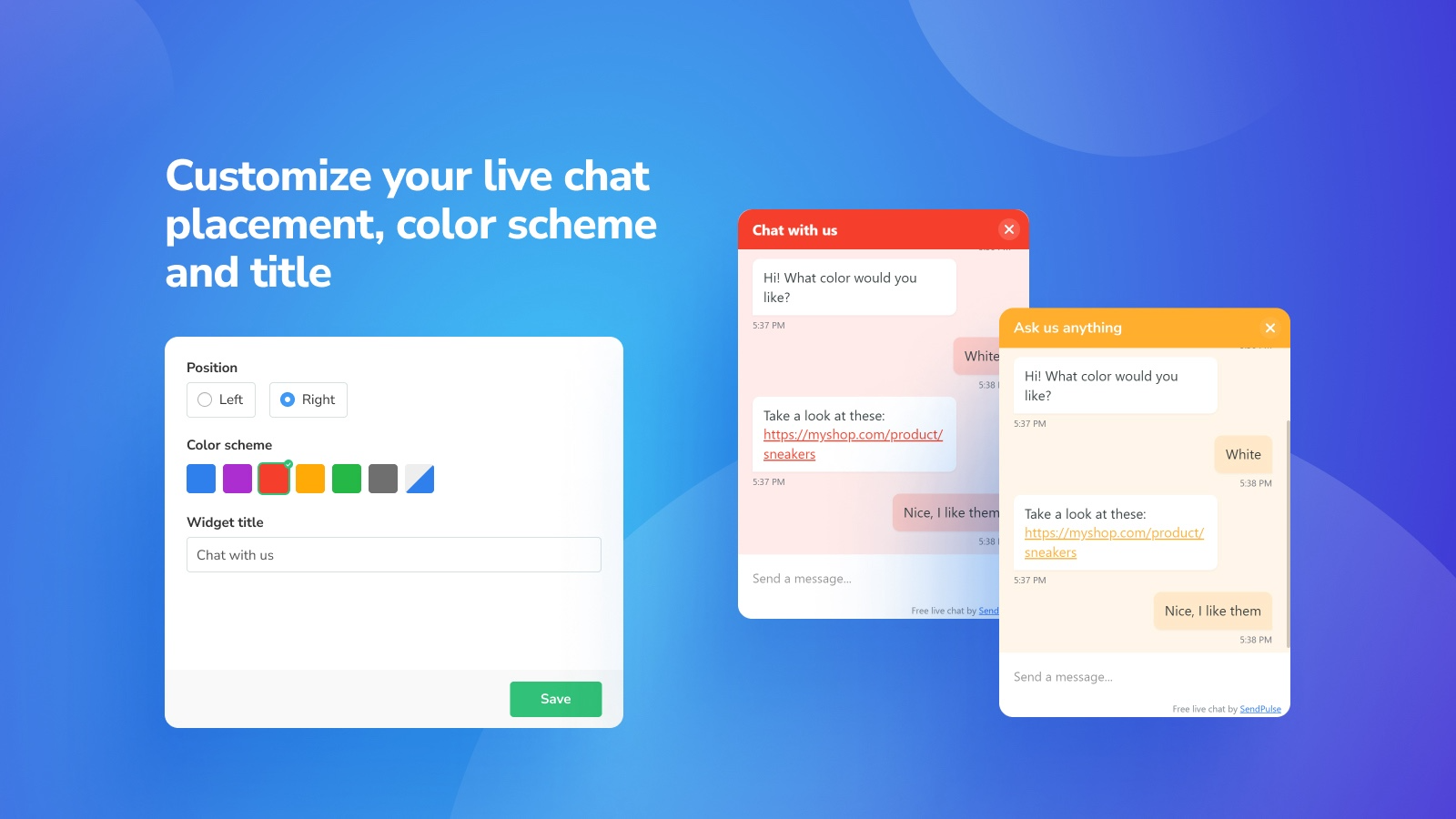
Personalize o widget de acordo com o design do seu site e suas preferências.
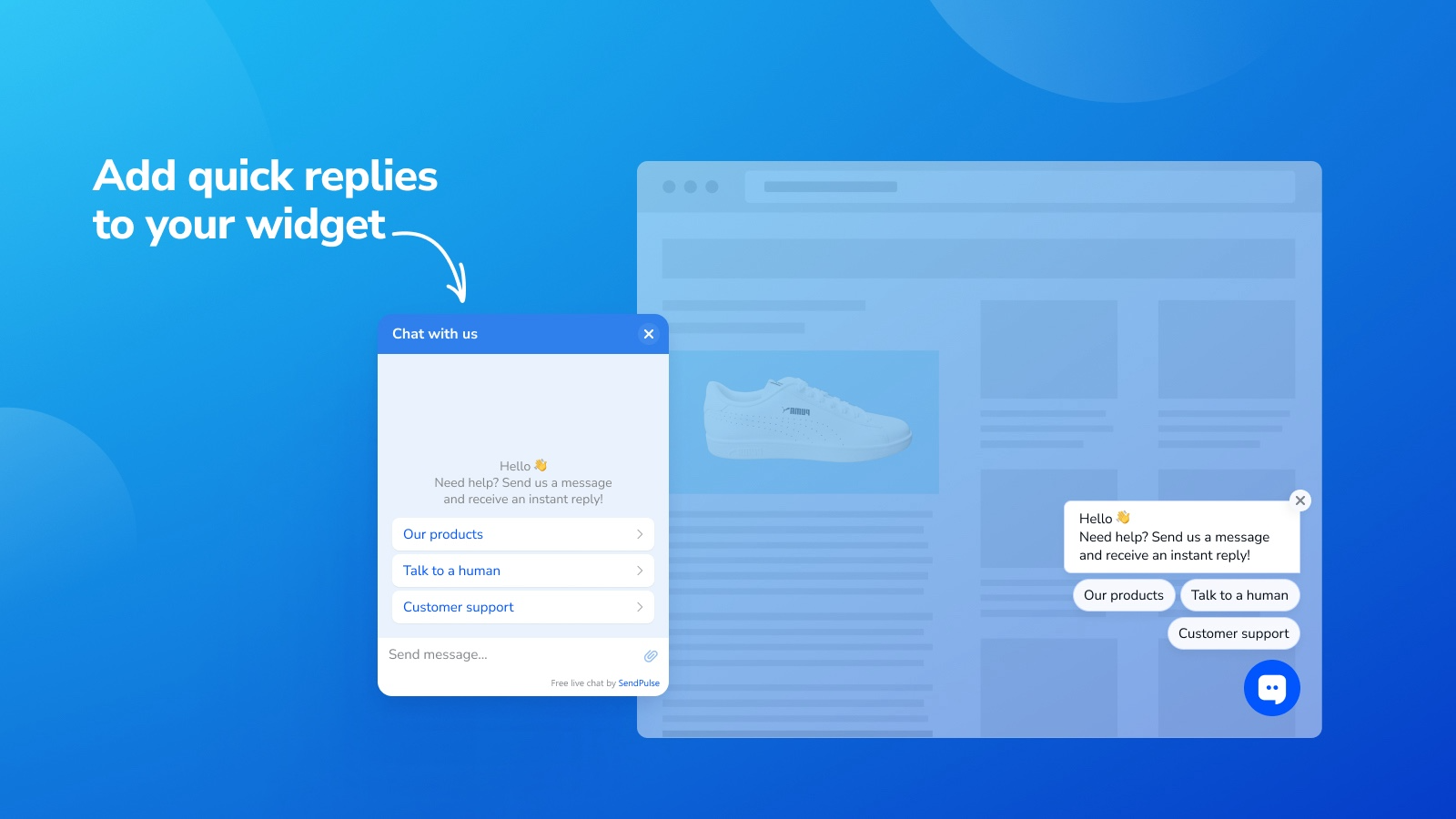
Adicione respostas rápidas que acionam fluxos de mensagens automáticas.
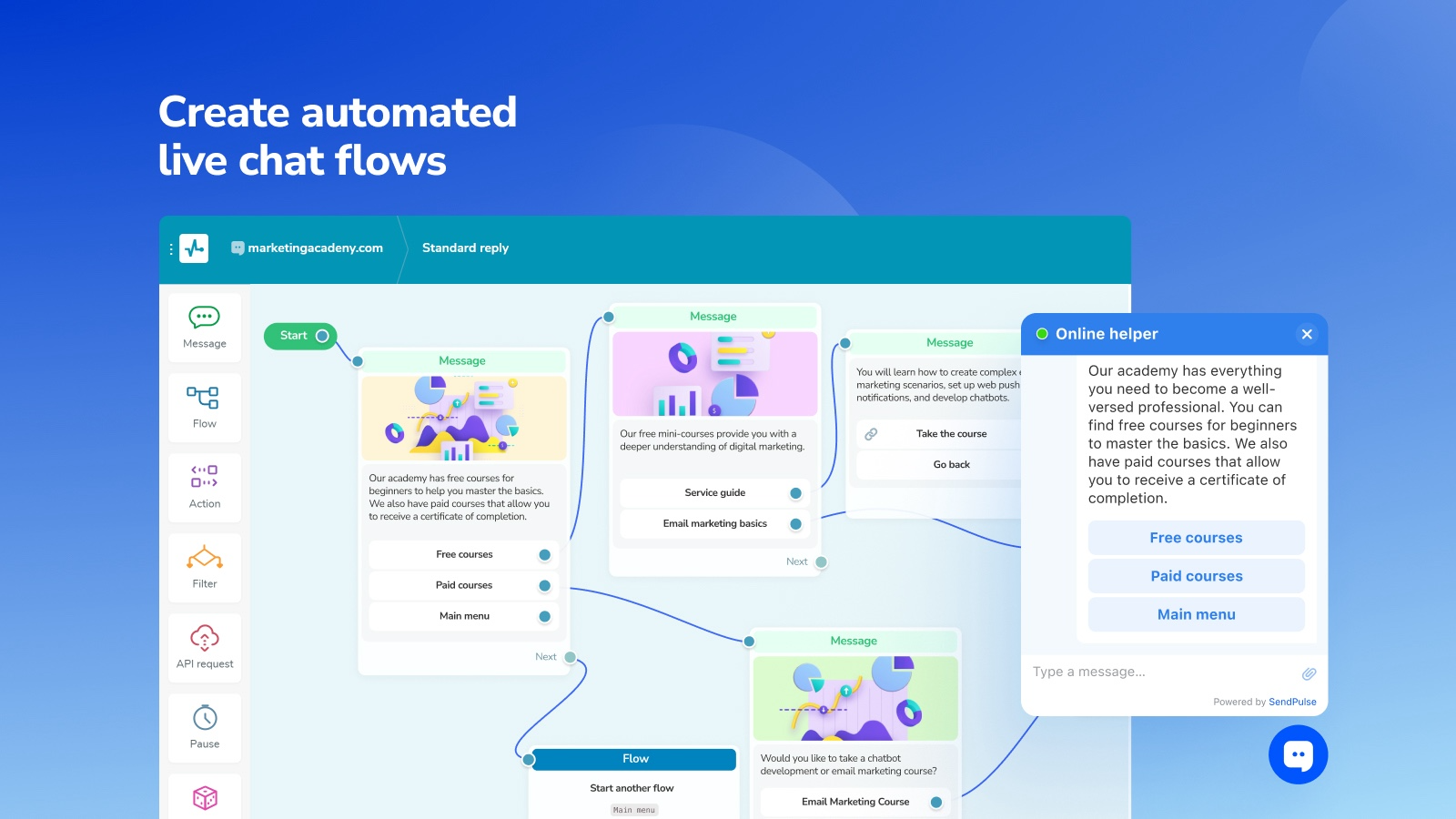
Crie fluxos automáticos para responder perguntas comuns e solicitar dados dos usuários, como números de telefone.
Use IA para responder automaticamente a leads em linguagem natural, transcrever mensagens de voz e respondê-las instantaneamente.
Mantenha contato com seu público usando nossos aplicativos para iOS e Android, mesmo quando estiver ausente.
Como configurar este plugin
Acesse o painel do WordPress com permissões de administrador. Na barra lateral, vá até Plugins.
Clique em Adicionar novo plugin e procure por SendPulse Live Chat and Chatbot. Clique em Instalar agora. Após a instalação, clique em Ativar.
Faça login na sua conta da SendPulse, crie um novo chat ao vivo e copie o código de instalação.
Go back to WordPress, click Settings in the left sidebar, and select the SendPulse Live Chat tab. Paste the installation code into the field and click Save Changes. Volte ao WordPress, clique em Configurações na barra lateral e selecione a aba SendPulse Live Chat. Cole o código e clique em Salvar alterações.
Clique em Verificar instalação para confirmar a instalação. Depois, você será redirecionado para a página de configurações principais do chatbot.
Saiba mais sobre este plugin e seus Funcionalidades no diretório de plugins do WordPress.
How to set up this plugin
Log in to your WordPress dashboard with admin rights. In the left sidebar, go to the Plugins tab.
Click Add New Plugin and find SendPulse Live Chat and Chatbot. Click Install Now next to the plugin name. Once it is installed, click Activate.
Log in to your SendPulse account, create a new live chat, and copy the installation code.
Go back to WordPress, click Settings in the left sidebar, and select the SendPulse Live Chat tab. Paste the installation code into the field and click Save Changes.
Click Check installation to see a SendPulse account confirmation that the code was installed successfully. Then, you will be redirected to the main chatbot settings page.
Learn more about this plugin and its features in the WordPress plugin directory.




ou