Kupzi
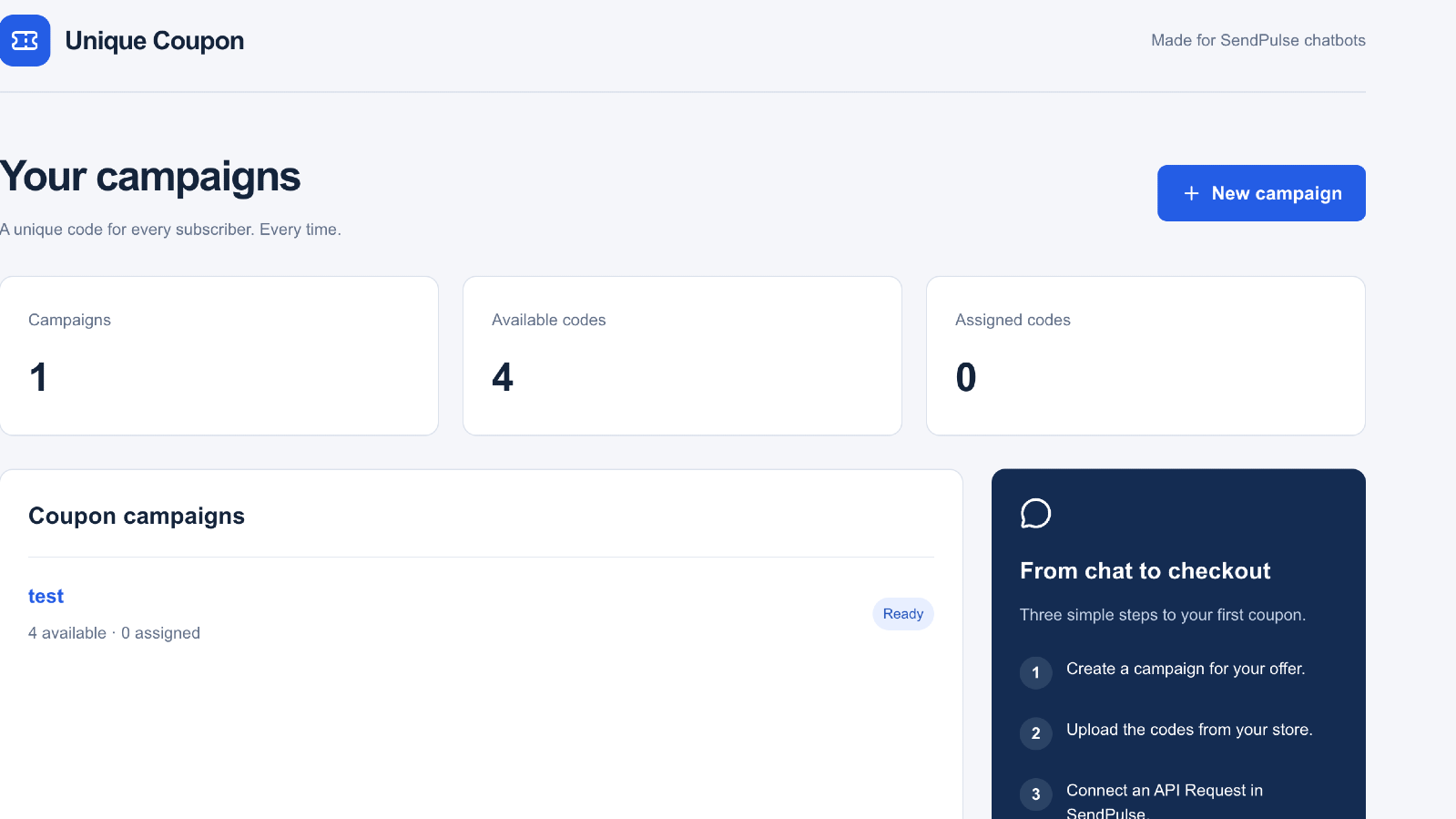
Kupzi hands out one-time discount codes through your SendPulse chatbots. Upload the codes you already created in your online store, and each subscriber who asks gets their own code. Codes are never shared between subscribers or handed out twice. The app connects to your SendPulse account when you install it, so there's no separate sign-up and no API keys to copy. Choose a bot and
- Connects on install: your SendPulse account links automatically, with no
separate sign-up or API keys.
- Pick your bot and flows: choose from the bots and flows already in your
SendPulse account. Works with Telegram, Facebook Messenger, Instagram,
WhatsApp, Viber and TikTok.
- One code per subscriber: each SendPulse contact gets at most one code per
campaign, even if they ask several times or many people ask at once.
- Automatic delivery: the code is saved to the contact's variables and your
coupon flow starts, so you don't need to map any responses.
- Out-of-codes handling: pick an optional flow to run when a campaign runs out
of codes or a subscriber already has one.
- Bring your own codes: upload a CSV or paste codes, up to 500 per upload.
Duplicates are skipped automatically.
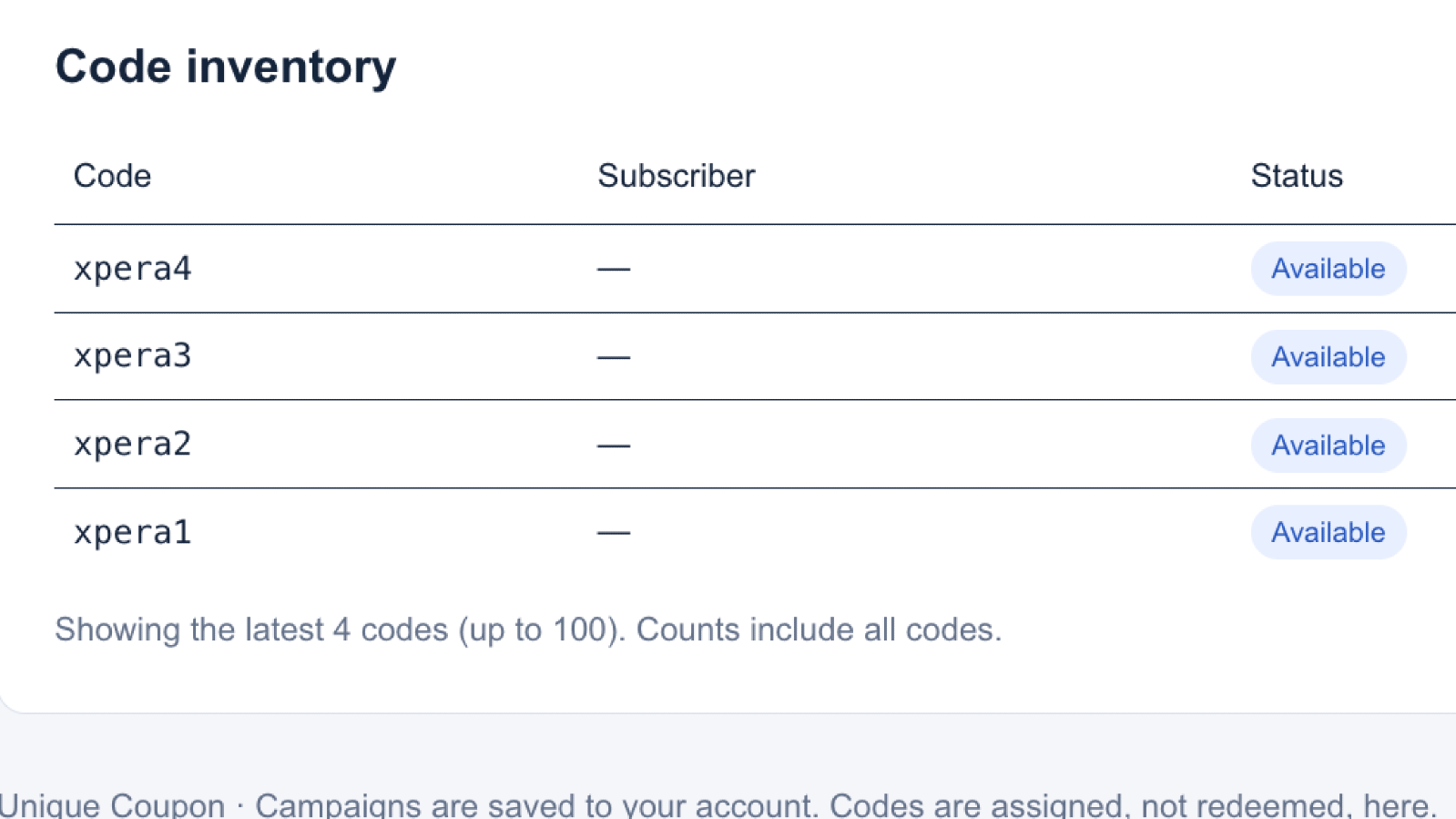
- Live inventory: see total, available and assigned codes for every campaign,
plus which contact received each code.
- Multiple campaigns: run separate offers, each with its own codes, bot and
flows.
Before you start: you need a paid SendPulse chatbot plan and at least one
connected bot.
1. Install the app
Install Kupzi from the SendPulse App Directory and approve the
requested permissions. The dashboard opens already connected to your account.
To come back later, go to App Directory → My apps and click View next to
Kupzi.
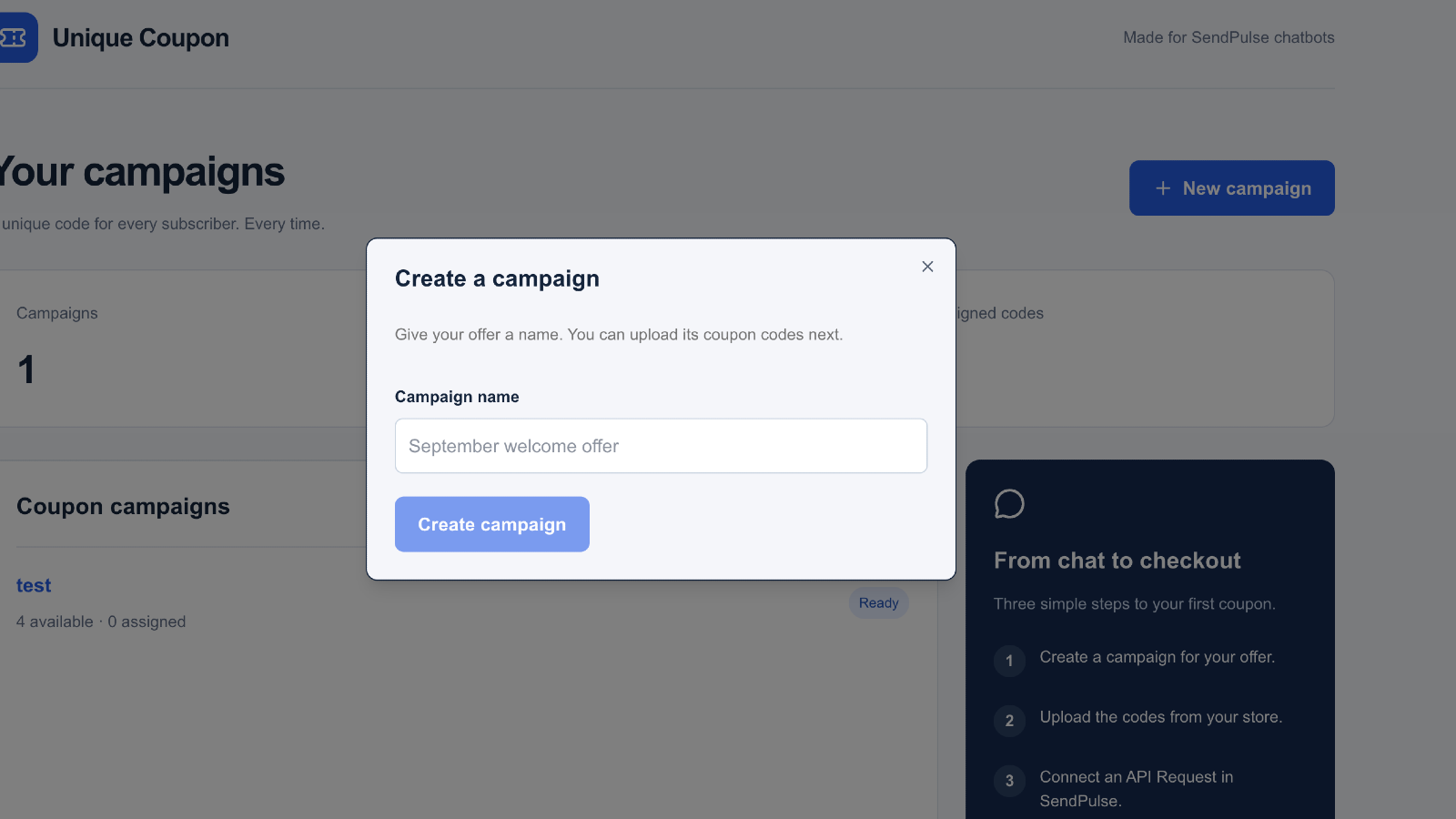
2. Create a campaign
Click New campaign and give your offer a name, for example "September welcome
offer".
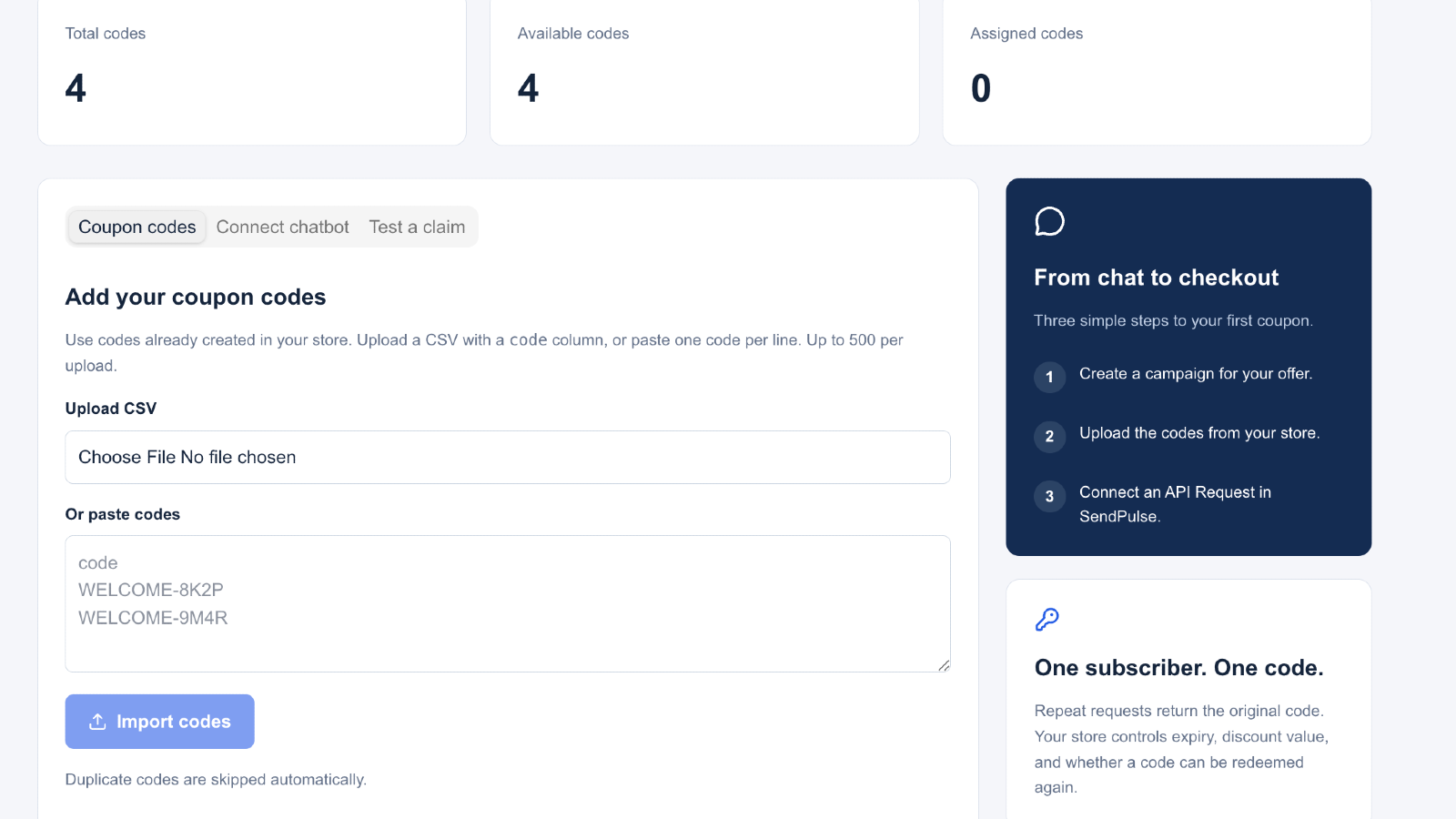
3. Upload your codes
On the Coupon codes tab, upload a CSV with a code column or paste one code per
line, then click Import codes. Create these codes in your online store first.
Your store controls the discount amount, expiry date and how many times each
code can be used.
4. Create the coupon flow in SendPulse
In your bot, create a flow that sends the coupon. In its message, insert this
where the code should appear:
{{$['coupon_code']}}
For example: "Here's your discount code: {{$['coupon_code']}}"
You can also create a flow for when no code is available. In that flow, use
{{$['coupon_message']}} to tell the subscriber why.
Optional: to keep the code on the contact for later messages, create contact
variables named coupon_code, coupon_status and coupon_message in your bot.
Kupzi fills them in automatically.
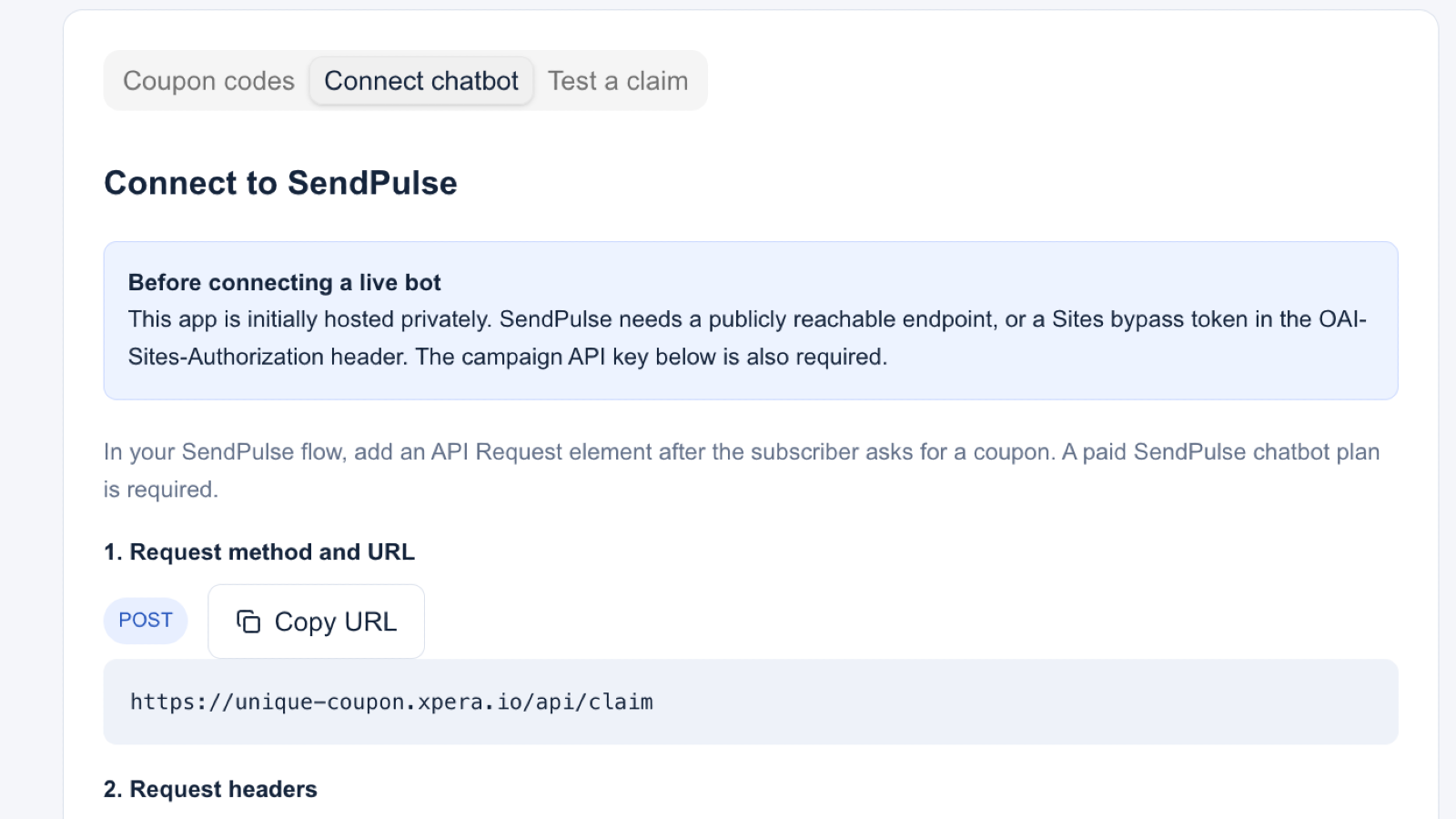
5. Connect the bot
Back in Kupzi, open the Connect chatbot tab:
- Choose your bot.
- Choose the flow that sends the coupon.
- Optionally, choose a flow for when no code is available.
- Click Save bot and flows.
6. Add the webhook to your chatbot flow
Copy the webhook URL shown on the Connect chatbot tab. In the SendPulse flow
where subscribers ask for a coupon (for example, after a "Get my discount"
button), add an Action element, select Send webhook, and paste the URL. You
don't need any headers, body or response mapping.
7. Test it
Message your bot and trigger the coupon request. You should receive a unique
code, and it will show as Assigned in your code inventory. If you ask again,
the out-of-codes flow runs instead, because each subscriber gets one code per
campaign.
Good to know
- Codes are unique within a campaign. If a code must never be given out twice
overall, don't upload it to more than one campaign.
- Kupzi assigns codes but doesn't redeem them. Your store checks
whether a code is valid when the customer uses it.
- If you uninstall the app, your SendPulse connection is removed. Your
campaigns are kept, so you can pick up where you left off if you reinstall.



oppure