LEGIX CALL
LEGIX CALL connects Zadarma telephony with SendPulse CRM. Incoming and outgoing calls are matched to contacts and deals, shown in CRM history, and support click-to-call from deal and contact cards.
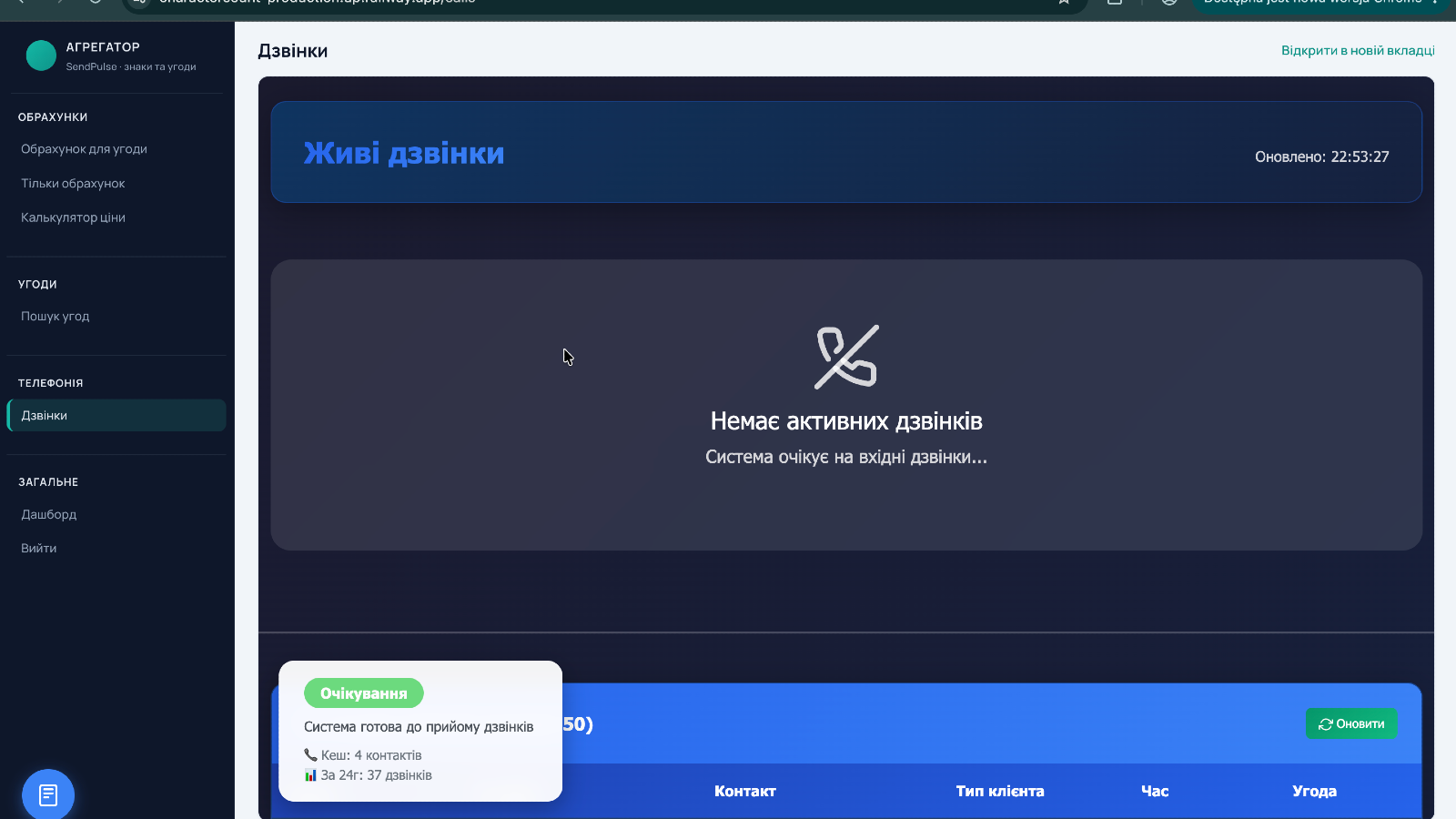
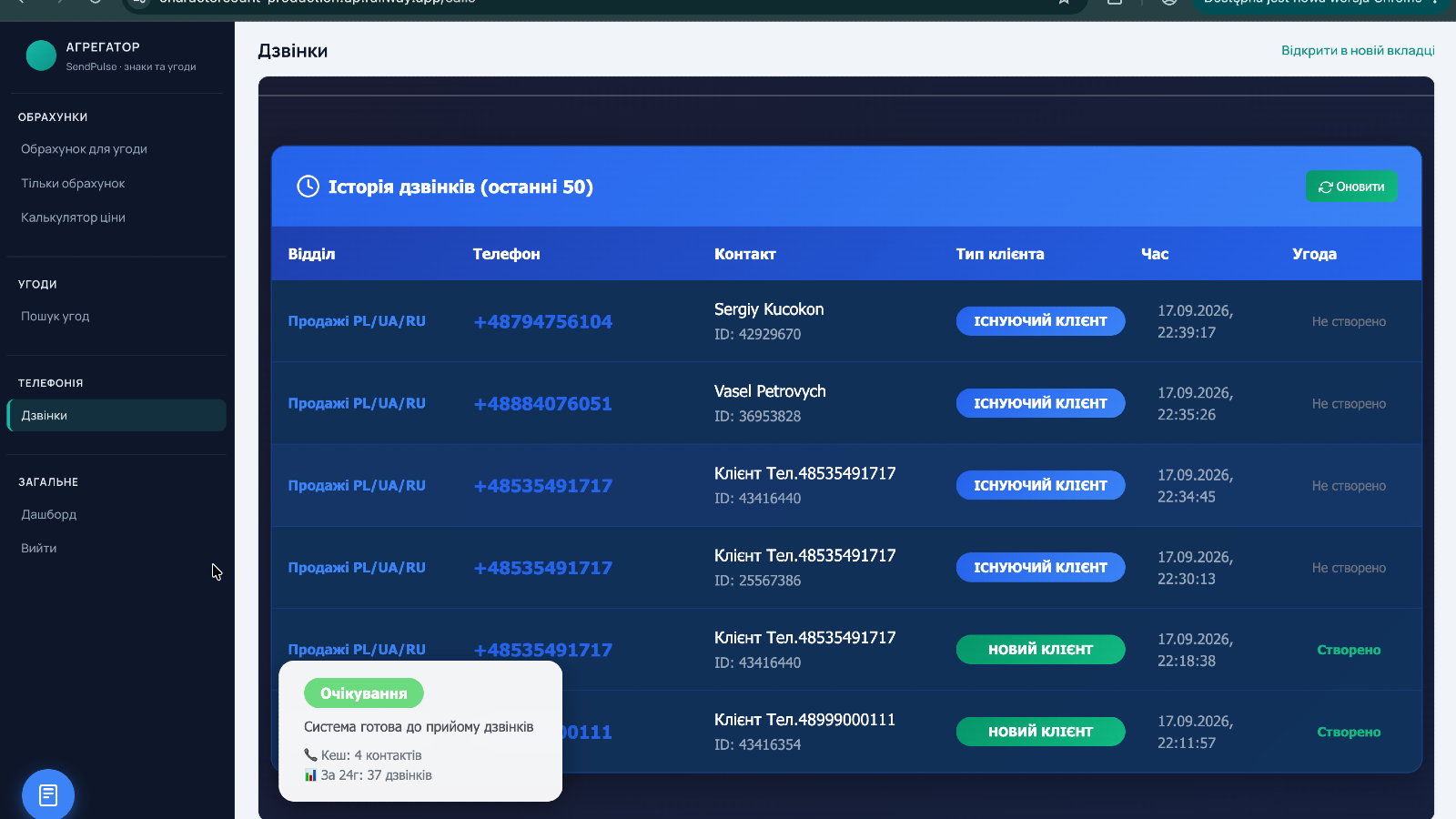
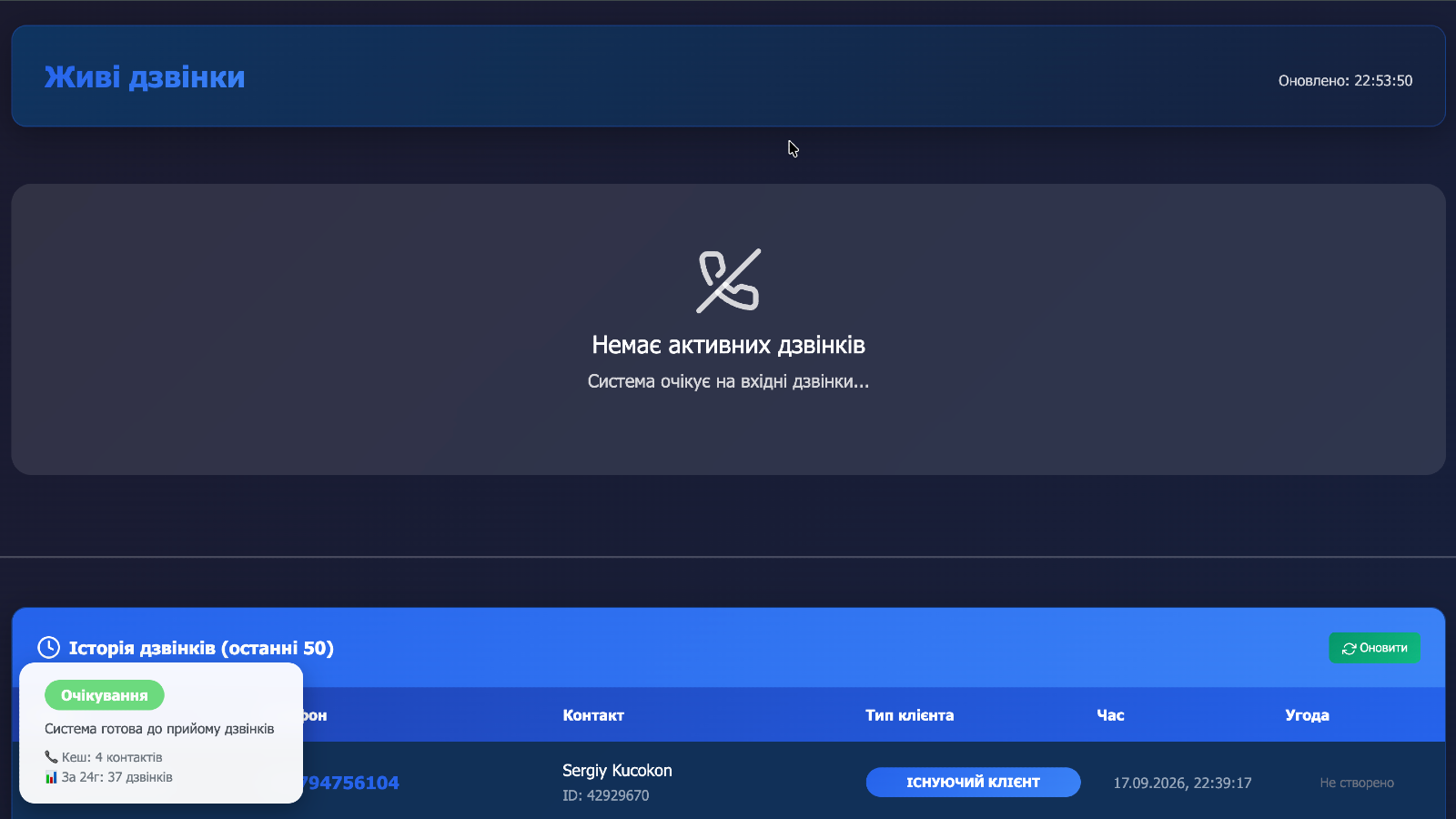
• Live call matching by phone number in CRM
• Call history on contacts and deals
• Click-to-call from CRM cards via Zadarma
• Automatic contact/deal linking for new callers
• Works alongside existing Legix order workflows
1. Install LEGIX CALL and grant CRM access.
2. Open Integrations → Telephony and select LEGIX CALL.
3. Connect your Zadarma account / webhook URL from the app settings.
4. Make a test call and check the Calls tab on a contact or deal.



ou