SP Popups to Klaviyo
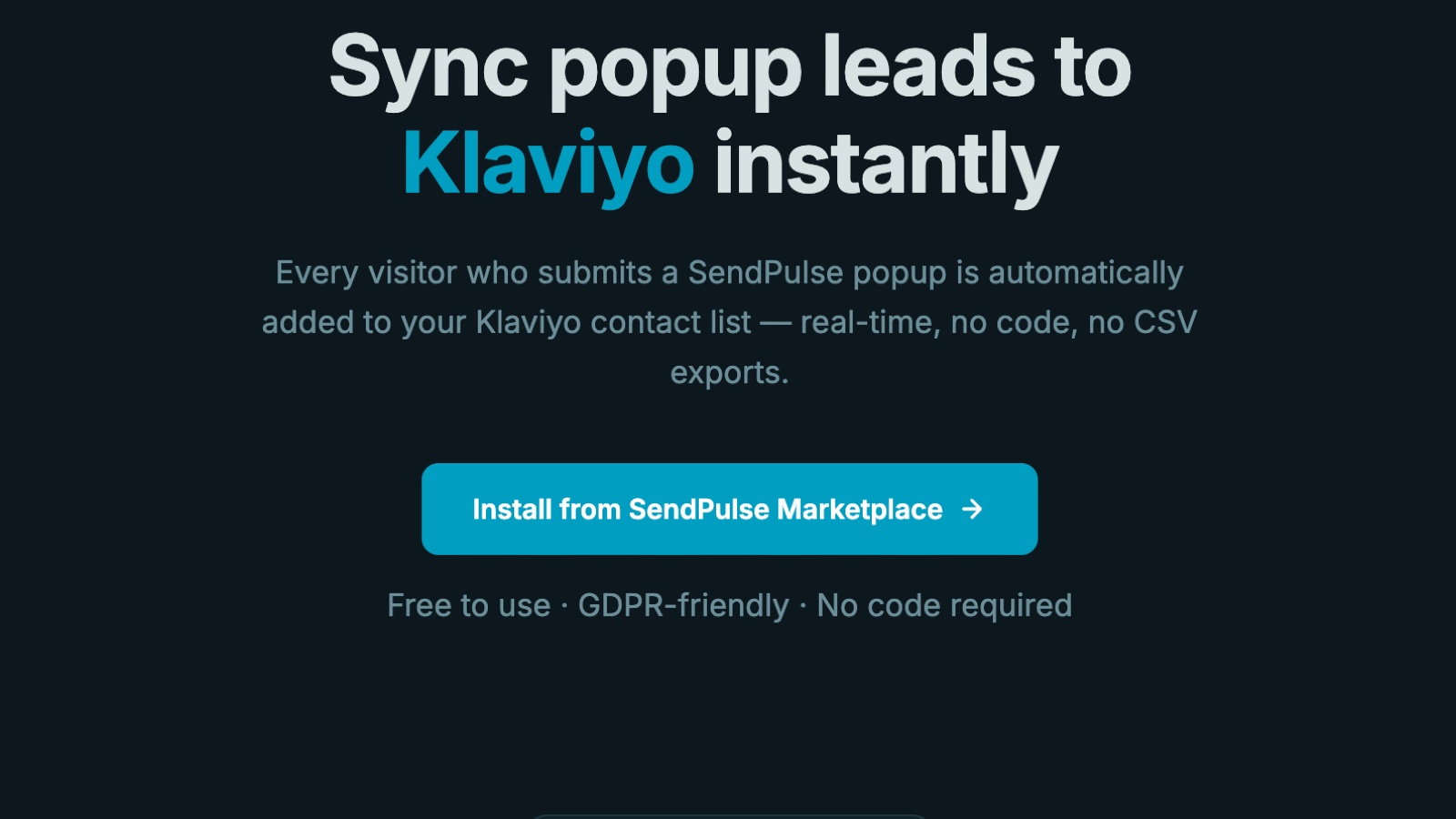
Automatically sync every SendPulse popup lead to your Klaviyo contact list. When a visitor submits a popup form, their email, name, and phone are instantly added to the Klaviyo list of your choice — no manual exports, no code required.
Key features:
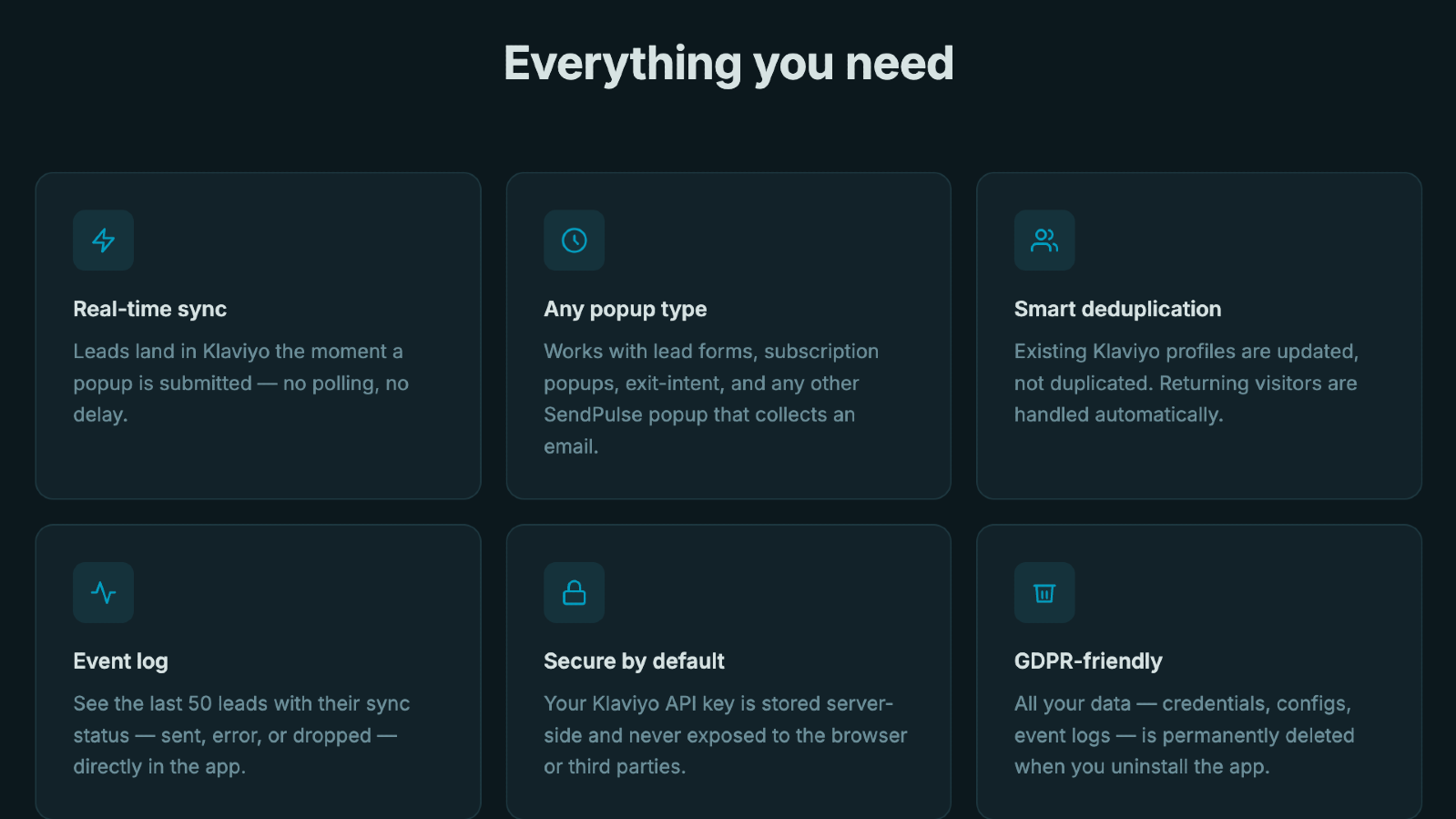
- One-click connection: enter your Klaviyo Private API Key, choose a list, done
- Real-time sync — leads arrive in Klaviyo the moment a popup is submitted
- Works with any SendPulse popup type (lead form, subscription, exit-intent, etc.)
- Automatic profile deduplication — existing Klaviyo profiles are updated, not duplicated
- Event log shows the last 50 leads with status (Sent / Error) for troubleshooting
- Send a test lead directly from the app to verify the connection
- GDPR-friendly: all data is permanently deleted on uninstall
Setup guide:
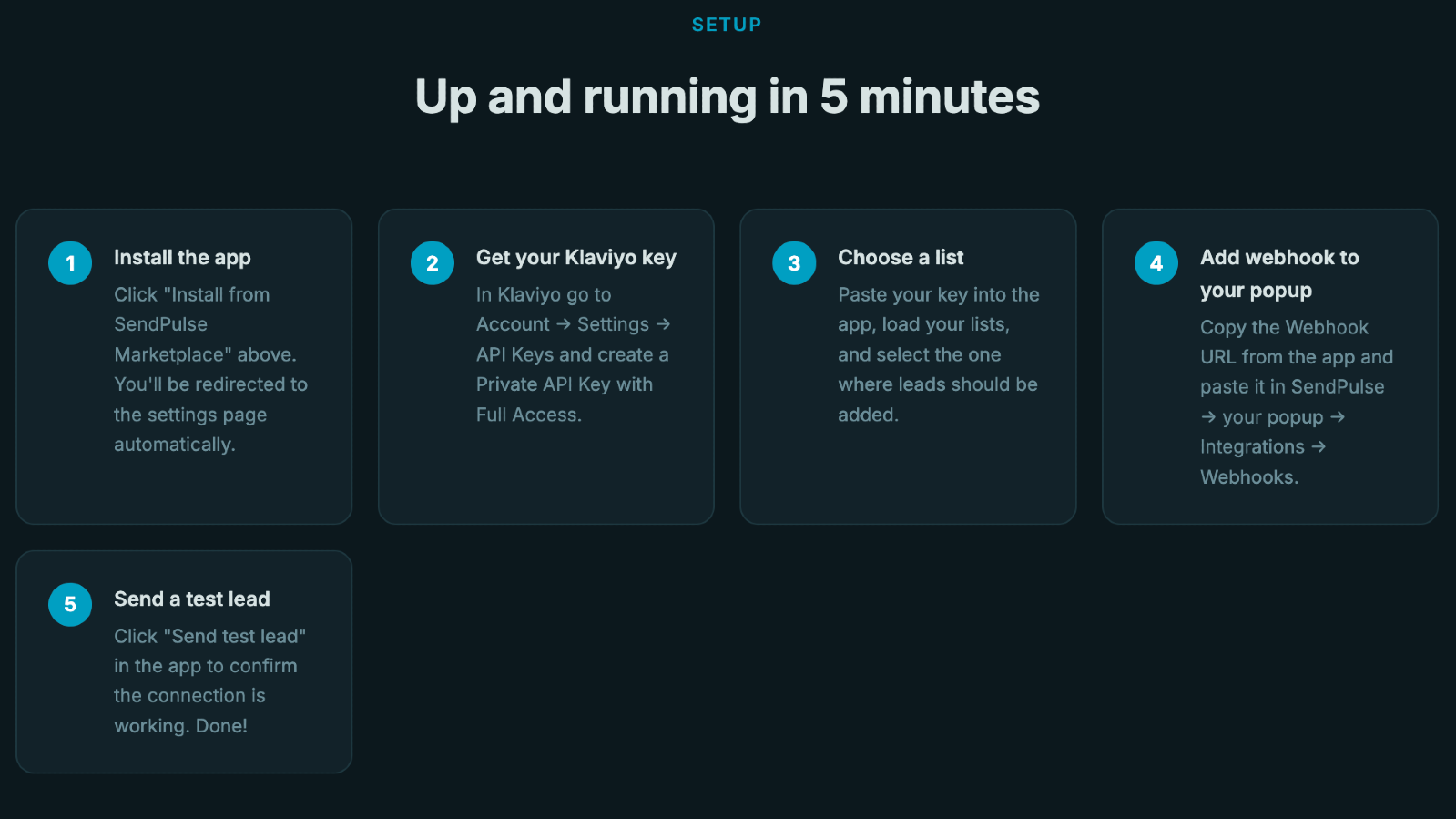
- Install the app from the SendPulse Marketplace — you'll be redirected to the settings page automatically.
- Go to Klaviyo → Account → Settings → API Keys and create a Private API Key with Full Access (or at minimum List + Profile write permissions).
- Paste the key into the app and click Load Lists.
- Select the Klaviyo list where popup leads should be added and click Connect Klaviyo.
- Copy the Webhook URL shown in the app.
- In SendPulse, open your popup → Integrations → Webhooks → paste the URL and save.
- Click Send test lead in the app to confirm everything works.



или